

AVCLabs Photo Enhancer AI is a powerful AI-driven photo enhancement tool that sharpens details, reduces noise, and improves image quality automatically. It effortlessly and automatically refines every photo with precision and ease.
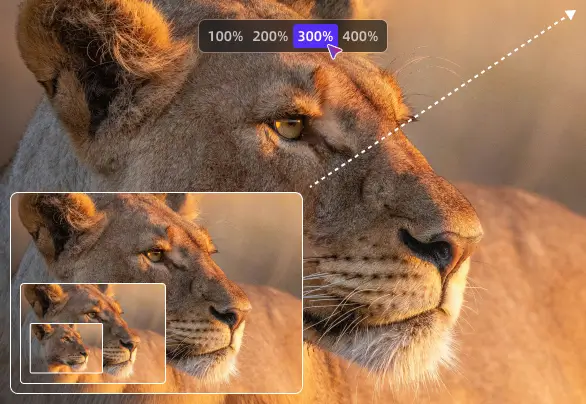
Powered by next-generation AI upscaling technology, AVCLabs Photo Enhancer AI boosts image resolution up to 4K, 8K, or 16K while preserving natural textures and fine details. It offers multiple enlargement options (100%-400%) and two AI modes to fit your needs. Easily restore low-resolution, pixelated, or compressed images to crystal-clear quality with realistic sharpness and vibrant colors. DPI is customizable up to 1500, with output formats including PNG, JPG, BMP, or the original file.
The AI Image Upscaler intelligently reconstructs missing details, enhances lighting balance, and sharpens edges to deliver lifelike high-resolution results. Whether you need to enhance image quality, unblur photos, or unpixelate pictures, AVCLabs Photo Enhancer AI restores every image with maximum clarity and detail.
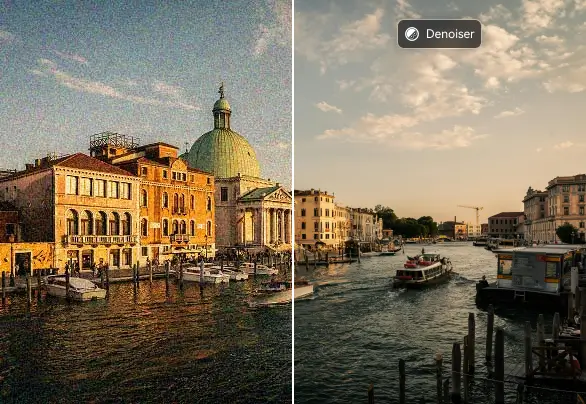
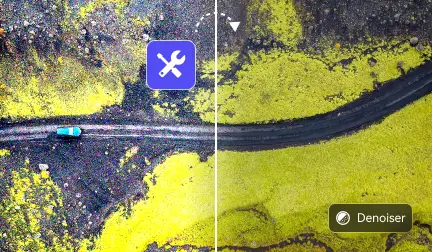
AVCLabs Photo Enhancer AI offers a dedicated AI noise reduction model that intelligently detects and removes noise and grain from photos while preserving essential textures and details. It analyzes each pixel to distinguish between noise and fine structures, ensuring clean yet natural results.
This model effectively removes noise from low-light and high-ISO photos, maintaining pristine clarity and true color fidelity. Whether improving mobile snapshots or refining professional shots, AVCLabs Photo Enhancer AI delivers smooth, high-quality results and restores lifelike details effortlessly.
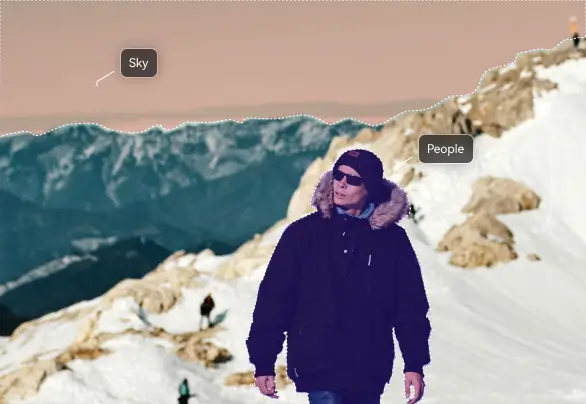
AVCLabs Photo Enhancer AI uses AI-driven color analysis to automatically calibrate and optimize colors in your images. It balances brightness, contrast, and saturation while preserving natural tones, enhancing photo quality. Free your hands to make every image look color-balanced, vibrant, and true to life.
AVCLabs AI photo quality enhancer can fix color issues in old, faded, or underexposed photos. This AI Color Calibration is an essential part of your photography enhancement workflow.
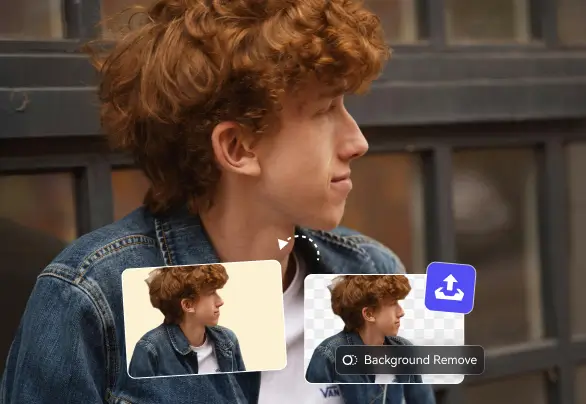
AVCLabs Photo Enhancer AI automatically detects and removes photo backgrounds with pixel-perfect precision. You can easily erase unwanted backgrounds and make images look clean and professional — even through batch processing for multiple photos at once. In addition to background removal, you can change the background color to white, black, or green, or import your own image. All adjustments are fully customizable and completed in just a few clicks, without any manual editing.
With high-precision background removal, AVCLabs image background remover ensures a smooth, distraction-free backdrop ideal for marketing materials, product photos, profile pictures, and social media posts.
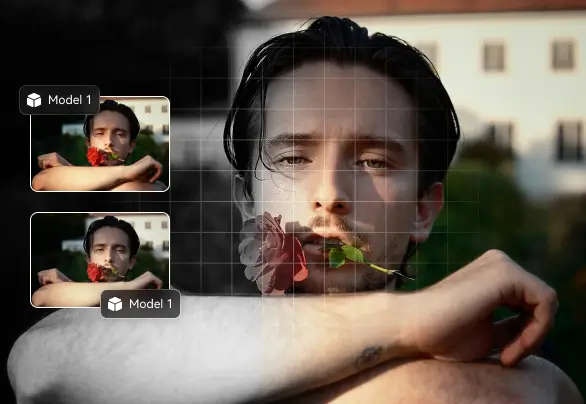
AVCLabs Photo Enhancer AI makes it easy to transform damaged or black-and-white photos into vibrant, lifelike images. It intelligently analyzes grayscale pictures and applies natural, vivid colors while preserving the original tones and textures. Two colorization modes — Bright and Soft — are available to suit different styles. By enabling the Face Refinement option, you can specifically enhance facial details in old portraits for more realistic results.
This feature is perfect for reviving cherished family photos, historical images, and fading monochrome memories, ensuring they are beautifully and vividly preserved for future generations.
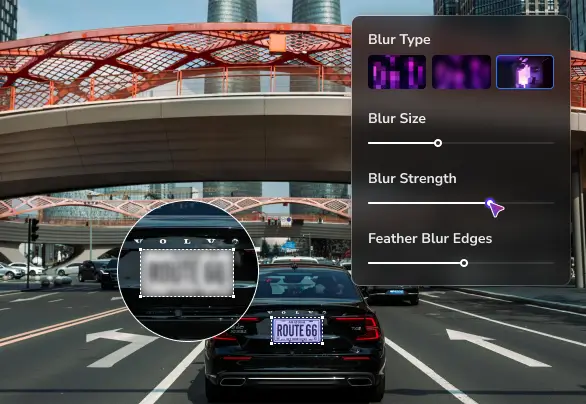
AVCLabs Photo Enhancer AI features AI-powered license plate detection that automatically identifies and blurs vehicle plates in images with high precision. It precisely segments license plate areas, allowing for accurate and consistent blurring.
Even in crowded or complex backgrounds, multiple vehicles in a single image can be processed carefully. Batch processing is also supported, so you can apply consistent results across multiple photos. Whether you are sharing automotive photography or documenting traffic scenes, It can maintain consistent blurring even in crowded or complex backgrounds.
Every feature is singularly focused on achieving maximum clarity and unwavering precision with minimal user effort.
More than a mere enhancer, this is a next-generation solution.
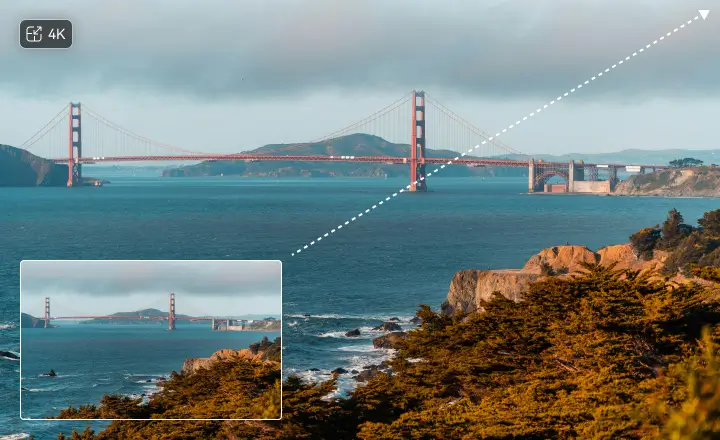
AVCLabs Photo Enhancer AI leverages AI-powered Super Resolution to instantly enlarge images to 100%, 200%, up to 400%. It sharpens blurry areas automatically and naturally enhances brightness, contrast, and saturation. On the other hand, its super natural background recovery ensures every detail in the image will NOT be over-processed.
In addition to AI Upscaler Image without quality loss, AVCLabs Photo Enhancer AI can improve image quality. It can instantly increase image resolution from 1080p to 4K, 4K to 16K and more. It drastically brings out fine detail, ensuring your pictures achieve maximum clarity. The final result is always stunningly sharp along with well-preserved details.
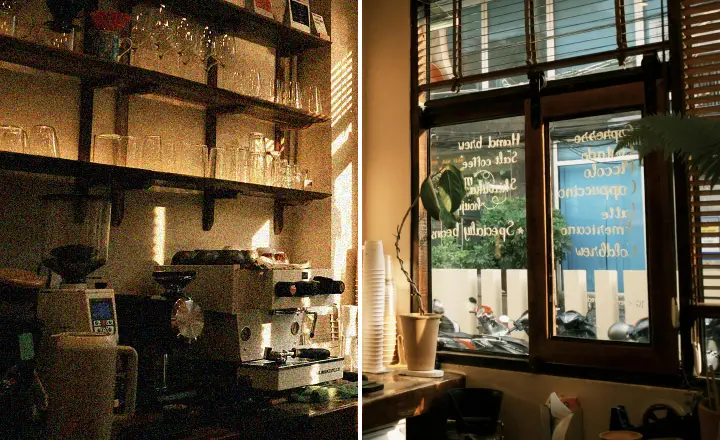
AVCLabs Photo Enhancer AI can automatically identify and eliminate noise, all the while maintaining textures and natural details. This image blur remover can instantly repair blurry images, depixelate images, and remove blurriness from photos.
This feature excels in processing low-light shots, high-ISO captures, or older, grainy images. It effortlessly makes every image cleaner, smoother, and visually sharper, and creates professional-looking visuals suitable for blogs, e-commerce, or portfolios. AVCLabs AI Denoiser ensures high-quality results without complicated adjustments.
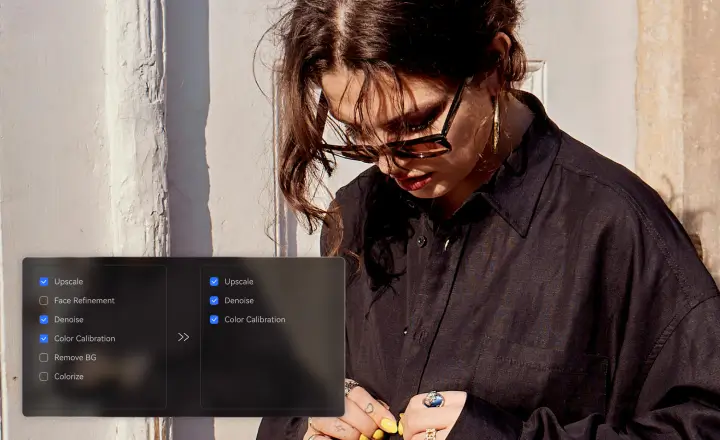
Multiple advanced models can be arranged in sequence. For instance, adding AI Colorizer, then AI Upscaler to remove blur from image, and then AI Denoiser to remove noise. Once the workflow is set, large batches of photos can be imported and processed in one click. This streamlined workflow ensures consistent, high-quality results across all images.
Precise control is maintained through customizable settings, which can then be deployed via efficient batch processing. This flexible customizable workflow system turns AVCLabs Photo Enhancer AI into a powerful photo AI enhancer, and allows complex editing tasks to be completed smoothly and consistently.
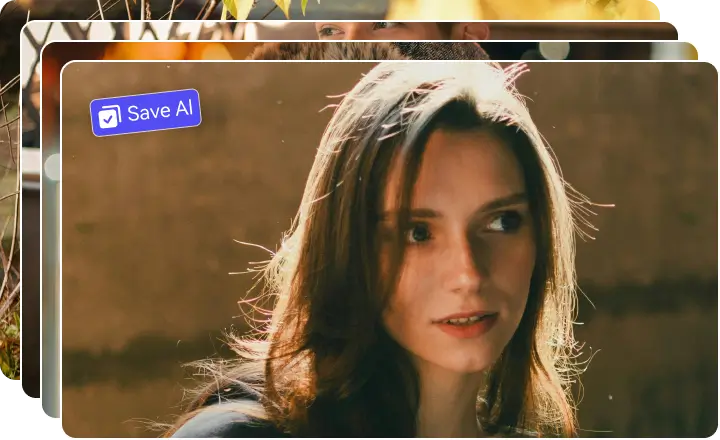
AVCLabs Photo Enhancer AI supports batch processing, ensuring consistent results across multiple images, saving time while maintaining professional visual quality. This capability guarantees a professional-grade consistency across multiple functions, including color palette accuracy, license plate obfuscation, enhancement quality, and monochrome colorization.
This ensures a stable, seamless, one-click output for entire batches of images, and allows photographers and creators to work efficiently with greater creative control. Whether correcting underexposed photos, adjusting batch shoots, or refining images taken under varying lighting conditions, every picture is ready for visual upgrades.

Multiple AI models for upscaling, denoising, colorization, and background removal, allowing customizable workflows.

Automatically detects faces and objects in images, enabling precise enhancements, targeted adjustments with AI accuracy.

Enables users to set image resolution up to 1500 DPI, ensuring ultra-high-quality, sharp, and professional results.

Allows precise image cropping with custom dimensions or preset ratios such as 1:1, 4:3, 3:2, and 16:9, giving full control over composition.

Automatically adjusts brightness, contrast, and highlights for balanced, well-exposed photos.

Instantly preview before-and-after comparisons for single or batch edits, with fast loading regardless of AI models applied.

All photo enhancements are processed locally, protecting sensitive content and ensuring full privacy maintaining high-quality results.

Supports GPU acceleration for fast processing, enabling smooth workflows even with large image libraries.
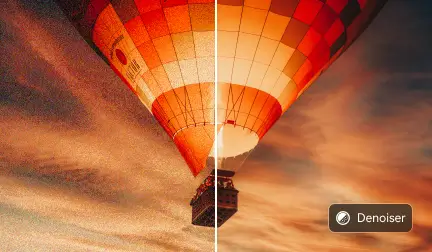
Discover how AVCLabs Photo Enhancer AI removes unwanted noise while preserving fine details, delivering cleaner and sharper images effortlessly.

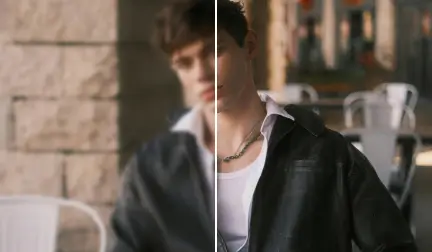
Learn how AVCLabs Photo Enhancer AI intelligently upscales photos up to 400% while maintaining clarity and natural details for professional results.
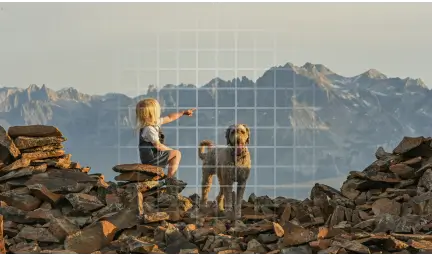
Use AVCLabs Photo Enhancer AI to automatically sharpen, denoise, and adjust colors in travel photos, making them vibrant and ready to share.
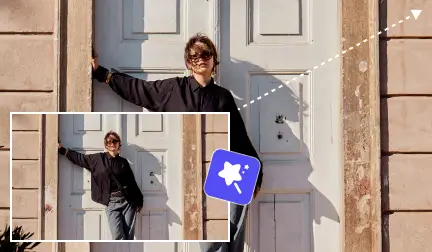
AVCLabs Photo Enhancer AI restores details, sharpens edges, and improves clarity in zoomed-in or cropped images, giving every picture professional quality.

Quickly denoise and sharpen grainy images using AVCLabs Photo Enhancer AI, achieving clean, high-quality photos without complicated software.
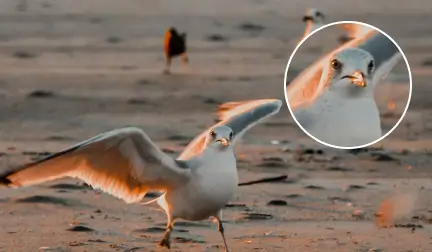
Upscale your photos online for free with AVCLabs Photo Enhancer AI, improving resolution and detail while keeping images clear and natural.

Got blurry photos? Discover how to sharpen images online for free with AI. Restore clarity, enhance details, and make your photos look crisp in just a few clicks.
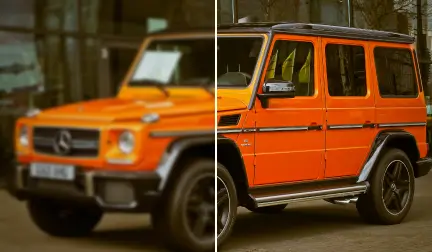
Restore clarity to blurry photos using AVCLabs Photo Enhancer AI. Sharpen edges, recover lost detail, and make every picture look crisp and natural.
AVCLabs Photo Enhancer AI provides an image blur remover that intelligently fixes blurry pictures, restoring edges and textures for professional clarity.
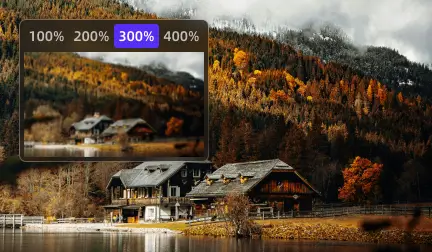
Use AVCLabs Photo Enhancer AI to upscale images up to 4K, enhancing photo resolution and overall quality while keeping details natural and clear.
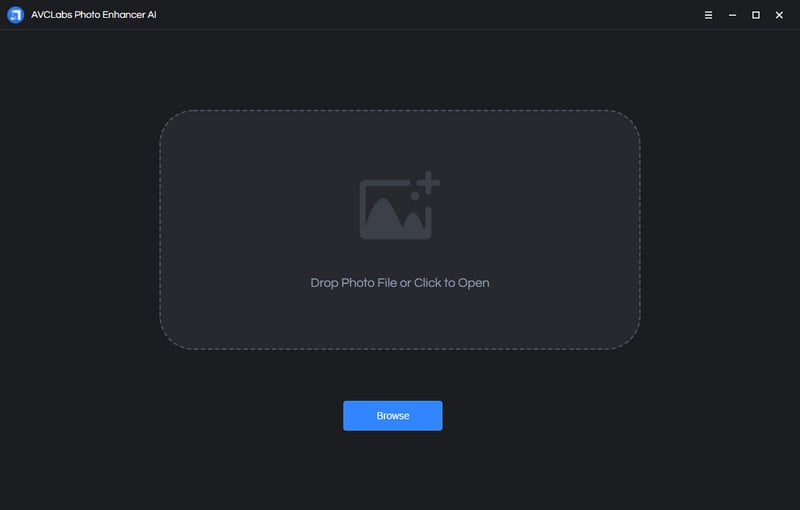
Learn more about the system and hardware requirements for AVCLabs Photo Enhancer AI.


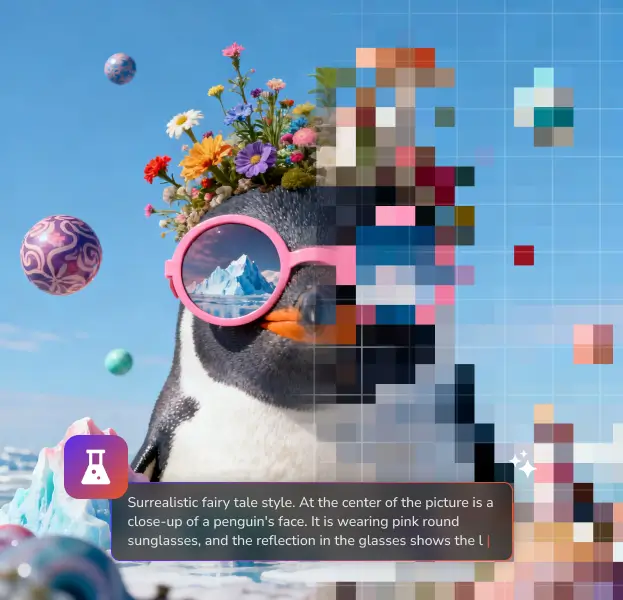
Turn imagination into visuals! Instantly generates accurate objects from your prompts into stunning, high-quality images.

Effortlessly remove unwanted objects from photos, and intelligently fills in the erased area naturally.

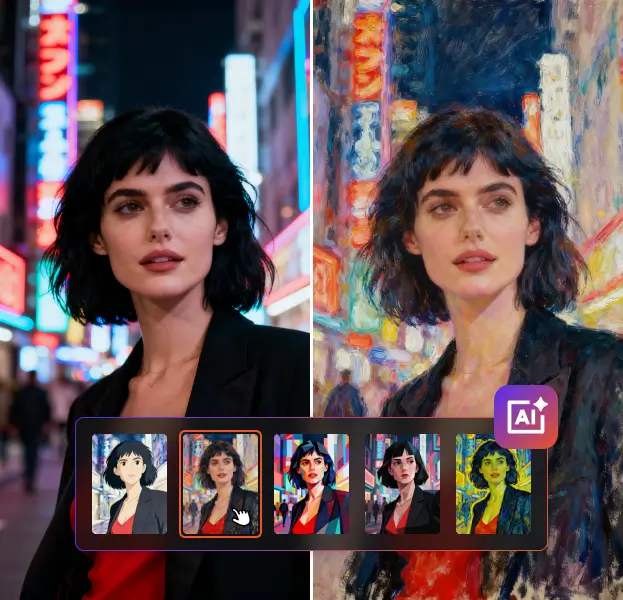
Turn ordinary photos into artistic masterpieces, applying creative styles that instantly add depth, charm, and personality.

If you have any other questions about AVCLabs Photo Enhancer AI, you can easily reach out to us here.

After installing the program, open AVCLabs Photo Enhancer AI and click on the Settings icon in the top-right corner. Open Register page, and then enter your licensed email and registration code to activate the full version.
AVCLabs Photo Enhancer AI's AI Upscale focuses on enlarging images while enhancing details and sharpness — ideal when you need to fix blurry or low-resolution photos. AI Denoise removes grain and noise for a cleaner, smoother look, which is especially useful for old photo restoration. Both modes deliver high-quality photo enhancement powered by AI.
AVCLabs Photo Enhancer AI does not support manual area selection. To enhance specific faces, enable the Face Enhancement feature and adjust the enhancement level. Unless facial features are extremely unclear, the chance of a face not being detected is very low.
If you want to manually enhance a specific area or need more advanced tools, we recommend AVCLabs PhotoPro AI, a complete photo sharpener and picture quality enhancer for single images, which also allows you to enhance picture quality and modify any element with advanced AI Replace.
You can improve the quality of image by using AVCLabs AI Upscale feature and choosing 100%, 200% or 400% output size. Then, turn up AI Denoiser to restore lost detail, sharpens edges, and reduces noise to deliver crisp, high-resolution results.
Enable GPU Acceleration under Settings to utilize your graphics card for faster processing. AVCLabs Photo Enhancer AI is optimized for high-performance enhancement even on large photos.
The trial version allows exporting a limited number of images with a watermark. Upgrade to the full version to unlock all AI models and export without restrictions.
Simply drag and drop multiple images into the workspace and enable Batch Processing. AVCLabs Photo Enhancer AI processes all selected photos simultaneously, saving time with consistent results.
Use the AI Color Calibration feature to fine-tune brightness, contrast, and saturation in clicks automatically. This helps maintain accurate color balance and natural tones after AI enhancement.
Select the appropriate AI model and use moderate enhancement settings. AVCLabs Photo Enhancer AI uses advanced algorithms to enhance clarity without over-sharpening or distorting textures. You are offered with 2 models in AI Upscaler: Standard Model & Ultra Model.
Yes. Use the AI License Plate tool to automatically identify vehicles in all your imported images, and the AI will cover sensitive information in batch with a natural and consistent blurring effect without background quality loss.
 AVCLabs Photo Enhancer AI
Upgrade now and get both Video Enhancer and Photo Enhancer for one low price — saving you up to $189.9!
Shop Now

Pioneering in AI, AVCLabs is committed to providing comprehensive tools for enhancing and restoring visual content across industries.


© 2026 AVCLabs Inc. All Rights Reserved





 Free Download