How to Download iStock Images and Videos Without Watermark for Free
 Posted By: Billie Miller
- Posted On: May 14, 2026
- Category: Hot Topics
"How do I download iStock or Shutterstock image for free without getting used?" -- Quora❓
iStock is one of the most popular premium stock media platforms, but its subscription costs can be a barrier for individual creators and small teams. You're not alone to find a way to download iStock images and videos without watermark.
In this guide, we'll walk you through several practical methods to help you access watermark-free iStock content legally. And, how to enhance image to 4K quality easily, and remove unwanted people or text precisely. Please be aware of that these tips improve quality but do not remove watermarks or replace a license.
You May Also Like: Top 8 Watermark Remover Apps in 2026: Online, Desktop & Mobile Solutions
Part 1: How to Download iStock Images Without Watermark?
iStock preview images are watermarked by default. These methods below show you how to download iStock image without watermark in safe and legal ways. And, it contains information about the differences between preview and licensed versions in iStock Downloader.
1. Official iStock Free Weekly Downloads
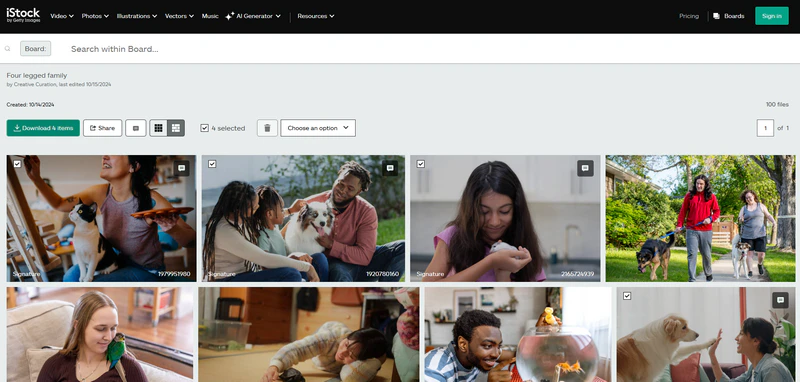
This is the official way to download iStock images for free — no third-party tools required. Every week, they choose three photos from the Signature library, and you can download them free of charge. Sign in to your iStock account, browse to your desired photo, and select one or more images. Click the Download button in the upper-left corner to save them to your device.
| Feature | Preview / Watermarked Version | Licensed / Watermark-Free Version |
|---|---|---|
| Resolution | Low resolution (typically 400px-800px) | Full resolution (up to 4K or original file size) |
| Watermark | iStock logo watermark embedded across the image | No watermark |
| File Quality | Compressed JPG, reduced color depth and detail | Original JPG or TIFF, full color accuracy and sharpness |
| File Size | Typically under 500KB | Typically 5MB-50MB depending on resolution |
| Legal Usage | For personal preview and layout testing only | Royalty-free commercial or editorial use based on license type |
| Best For | Mockups, draft layouts, internal presentations | Ads, websites, print materials, client deliverables |
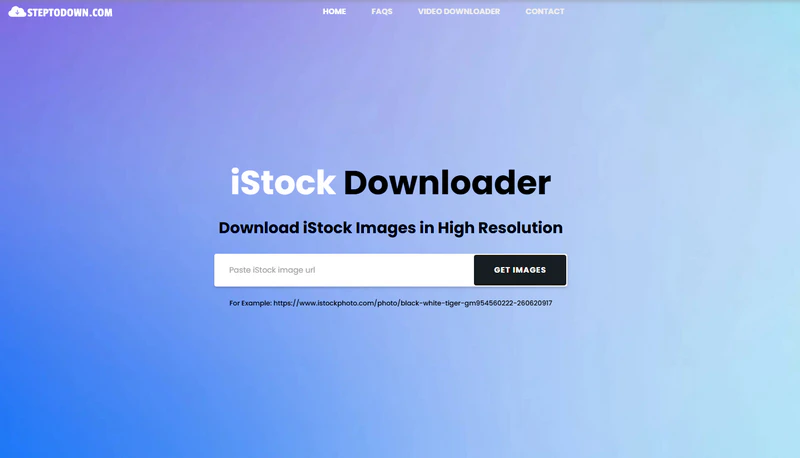
2. StepToDown
- Open the iStock image you need and copy the URL from your browser's address bar.
- Then, go to the StepToDown tool page, paste the image URL into the input field, and click the GET IMAGES button.
- Wait a few seconds for the image to be fetched — it will be rendered in its original size without compression.
- Click the DOWNLOAD IMAGE button to download iStock images without watermark.
Note: StepToDown iStock downloader is a free online tool that allows you to download iStock images without watermark. However, it only provides the watermarked preview version of the image, not the full licensed file. For fully licensed, watermark-free content, a paid iStock plan is required.
3. HdStockImages
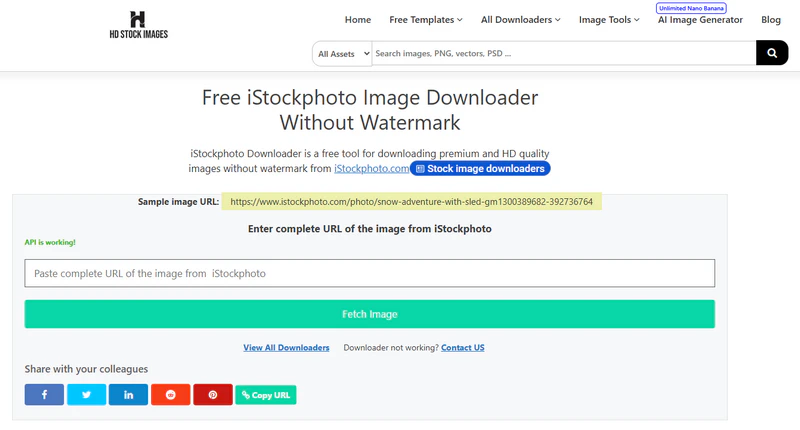
- Open the iStock image you need and copy the URL from your browser's address bar.
- Go to the HdStockImages page, paste the image URL into the input field, and click the Fetch Image button below.
- Wait a few seconds until the image is fetched successfully — note that a thumbnail may not always be displayed, but you will see an "Image Found" confirmation message.
- Finally, click the Download button to save iStock image without watermark to your device in HD quality.
Note: HdStockImages can download iStock images without watermark online for free.It requires an API connection and the website may undergo a security verification check, so it might take a moment to load.
Part 2: How to Download iStock Videos Without Watermark?
iStock videos come with a watermark on all preview downloads. The methods below walk you through the safest and most practical ways to get iStock video without watermark — safe and no risk.
1. iStock Official Free Weekly Downloads
- Sign in to your iStock account, then navigate to the iStock Video section.
- Find a video you like and click the play button to preview it.
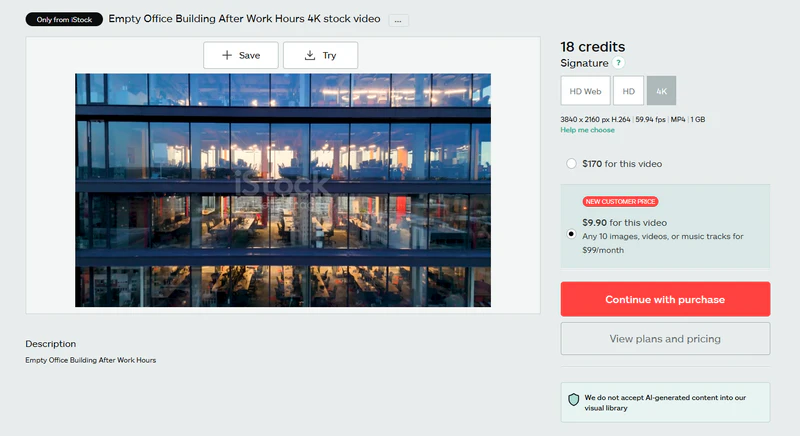
- Click the "Try" button to download the preview version of the iStock video download.
- The download speed is fast, making it ideal for personal testing purposes.
Note: If you are new, you can get a price of $9.9 for a single 4K video on iStock afficial website.
2. FetchPik
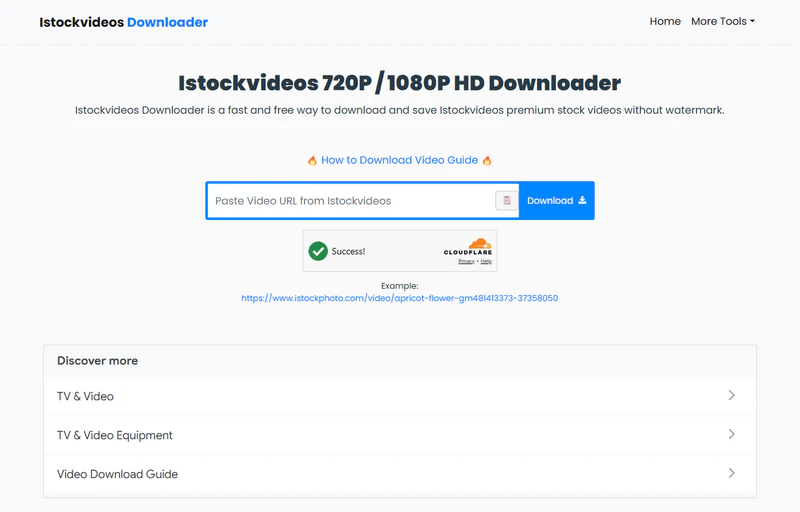
- Open the iStock video you need and copy the URL from your browser's address bar.
- Go to the FetchPik video download tool page, paste the video URL into the input field.
- Click the "Download" button, and wait a few seconds for the video to be fetched.
- Click the "DOWNLOAD" button to save it to your device for 720P or 1080P quality.
Note: FetchPik is an online tool that allows you to download iStock videos without watermark. However, some videos may fail to be fetched in FetchPik iStock downloader. In that case, you can refer to the Video Download Guide provided by FetchPik for further assistance. Additionally, FetchPik also allow you to download iStock images without watermark.
Part 3: Best Legal iStock Downloader Alternatives: Download Copyright Free Images and Videos
Not every project has the budget for a premium iStock subscription. We have a growing number of platforms to download copyright free images and videos for free. Pexels, Pixabay, Mixkit, and Coverr are the free iStock downloader alternatives that allow commercial use without requiring any attribution. Videezy requires you to credit the original creator on their free clips. Note that Dareful also requires attribution, but its CC BY 4.0 license fully permits commercial use.
| Platform | Free to Use | License Type | Images | Videos | Max Free Resolution |
|---|---|---|---|---|---|
| Coverr | ✅ | Custom Free License | ✅ | ✅ | Original | 4K |
| Pexels | ✅ | Custom Free License (Pexels License) | ✅ | ✅ | Original | 4K |
| Dareful | ✅ | CC BY 4.0 | ❌ | ✅ | 4K |
| Mixkit | ✅ | Mixkit Free License | ❌ | ✅ | 1080p |
| Videezy | ✅ | Royalty-Free (Attribution Required on Free Sources) | ✅ | ✅ | Original | 1080P/4K |
| Vidsplay | ✅ | Royalty-Free (No Attribution Required) | ❌ | ✅ | 1080p |
| Pixabay | ✅ | CC0 | ✅ | ✅ | Original | 4K |
These platforms offer a rich library of free images and video footage that is more than sufficient for medium complexity production. Whenever you find yourself in need of a specific asset, browsing across these platforms will almost always lead you to some copyright free images and videos suitable.
🔥 Recommend: Grok Image Is Moderated: Causes and Fixes in 2026
Part 4: How to Enhance iStock Image Quality with AI?
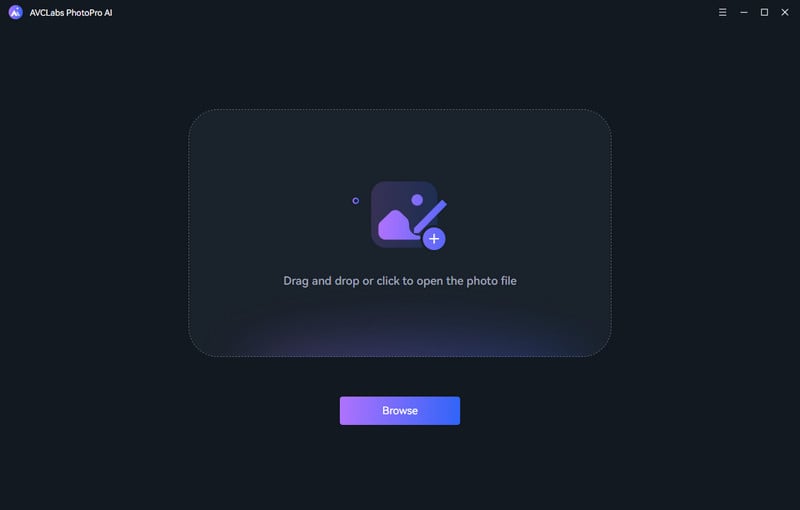
Step 1 Add Your Image
Launch AVCLabs PhotoPro AI and drag & drop your image into the blank space, or click to upload it directly from your device.
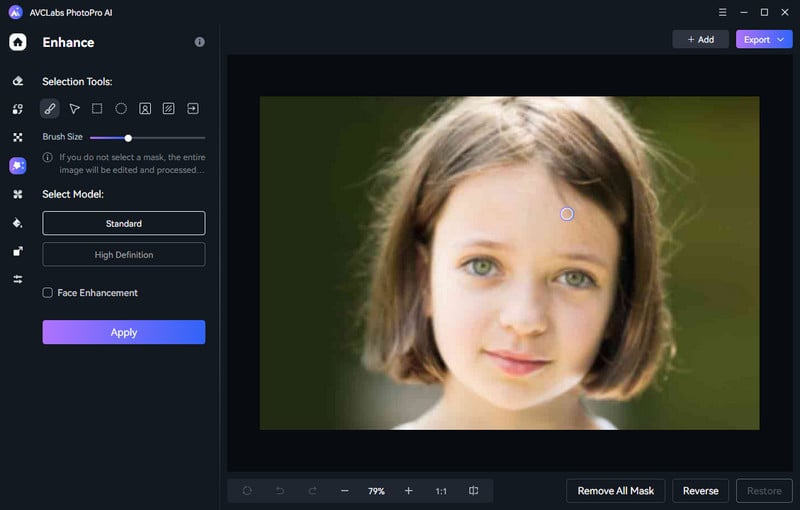
Step 2 Enhance Image to 4K
- Select the Enhance option from the left bar to run the AI Enhancer model.
- Then, choose your desired selection tools (brush, AI detection, and so on), and select model (Standard or High Definition).
- Finally, click Apply to automatically sharpen details, reduce noise, and restore clarity in seconds.
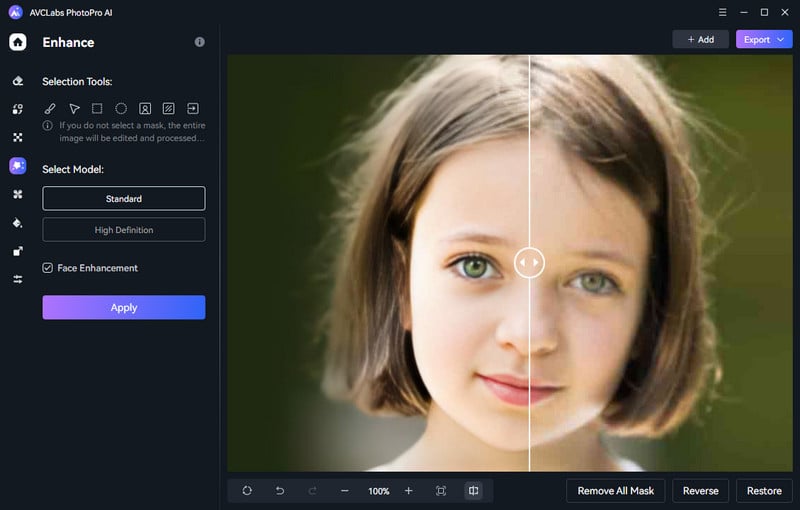
Step 3 Save Your Image
Preview the enhanced result, then click Export to save your high-resolution 4K image to your local folder — ready for use in any project.
💡 Video Tip: Want to take your video quality even further? Use AI Video Enhancer to upscale your footage from SD to HD, HD to 4K, and even 4K to 8K — available for both PC and Mac.
FAQ About iStock Downloader
Can I remove istock watermark?
Removing watermarks is not permitted. Technically, some AI-powered tools can remove watermarks from images, but doing so on iStock content without a valid license is a violation of iStock's Terms of Service and may constitute copyright infringement. The only legitimate way to get watermark-free iStock content is to purchase a subscription or download from their official free weekly selection.
Is there any iStock downloader free to use?
Yes, there are a few third-party toolsm, like HdStockImages, that allow you to download iStock for free on preview content for free. However, keep in mind that these tools only provide watermarked preview versions, not the full licensed files. For fully licensed, watermark-free content, a paid iStock plan is required.
Is it legal to download iStock images without a watermark for free?
No, it depends on the method. Using iStock's official free weekly download program is completely legal. However, using third-party tools to bypass iStock's watermark protection or download unlicensed full-resolution files is not legal.
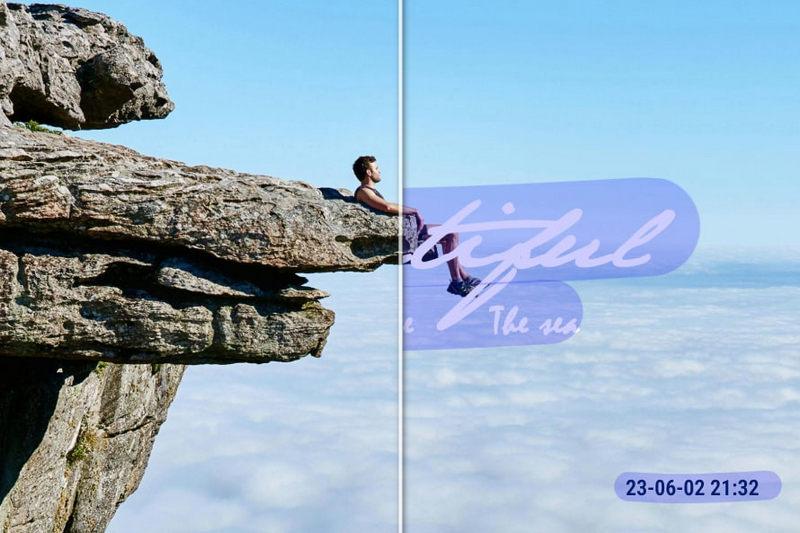
We've carefully tested and reviewed the 10 best watermark removers in 2026, including online tools, apps, and AI-powered solutions.
Conclusion
Getting watermark-free iStock images and videos for free isn't impossible — it just takes the right and legal approach. The methods in this guide cover everything from official free downloads to third-party tools for preview use.
The best legal and free alternatives to iStock downloader have listed here, and those are more than enough for most projects. And if the image quality isn't quite there, AVCLabs PhotoPro AI can help you upscale and enhance it in just a few steps.