
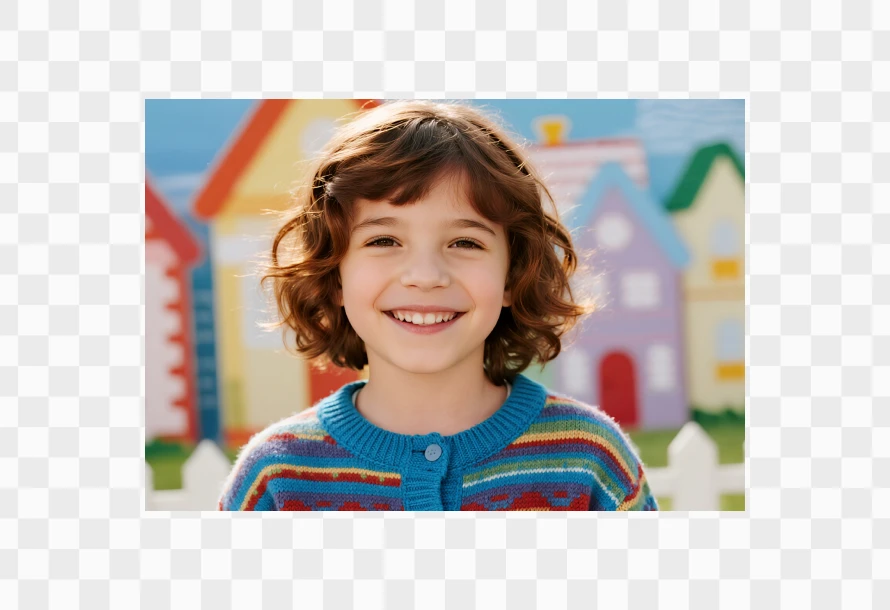
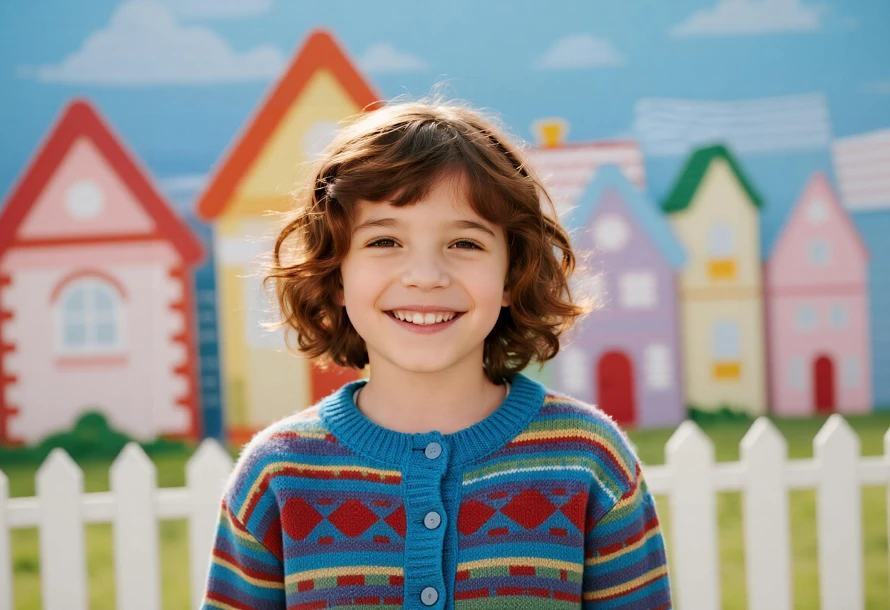
Upload the image you want to expand to AVCLabs online AI image extender free.
Enter prompts based on your specific requirements for the image expansion.
Select the desired aspect ratio (such as 16:9, 1:1, or 3:4) and resolution.
Click Generate button to let the AI help you expand and create new extended background.
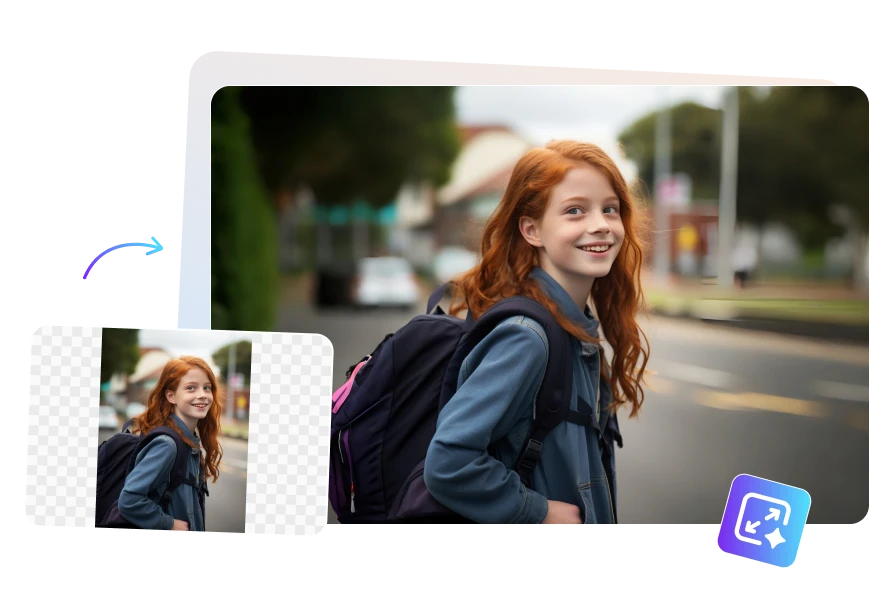
Easily convert vertical portrait photos into wide landscape images without any loss of visual quality. AVCLabs AI Image Extender Free intelligently adds new content to both sides of the image—such as realistic backgrounds or environmental details—thereby naturally extending the scene rather than stretching or cropping it.
Whether you want to extend your 3:4 photo into a more cinematic 16:9 desktop wallpaper, or use it to create a website banner, this tool can help you naturally AI expand image while ensuring a consistent and harmonious overall visual effect.
AVCLabs AI image extender free online can change a landscape image into a portrait one while maintaining the composition of the original image. By using intelligent background filling, this AI extend image method can avoid the problems of missing the main subject of the image or image compression that occur when directly cropping the image. It allows you to quickly resize images for vertical platforms like Instagram Stories, TikTok, or Pinterest without extra editing or adjustments.
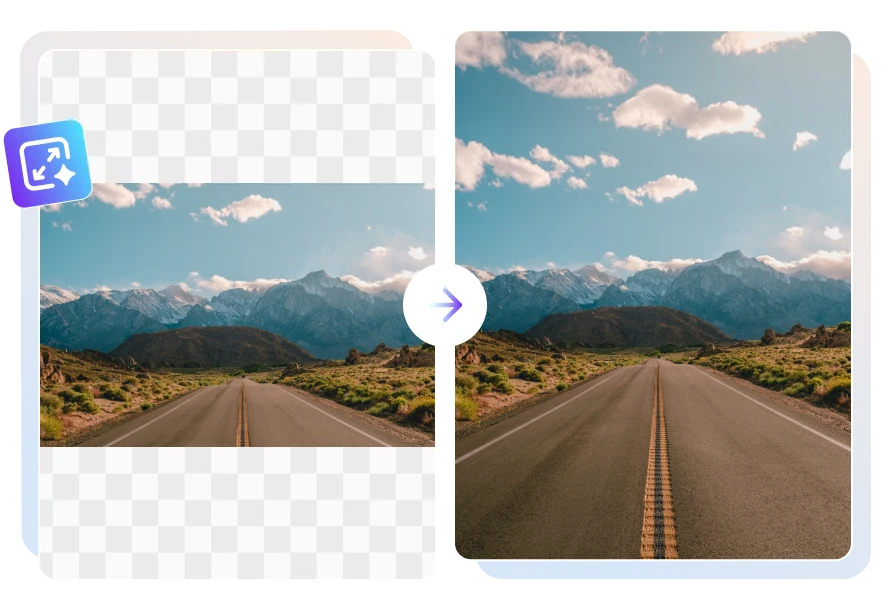
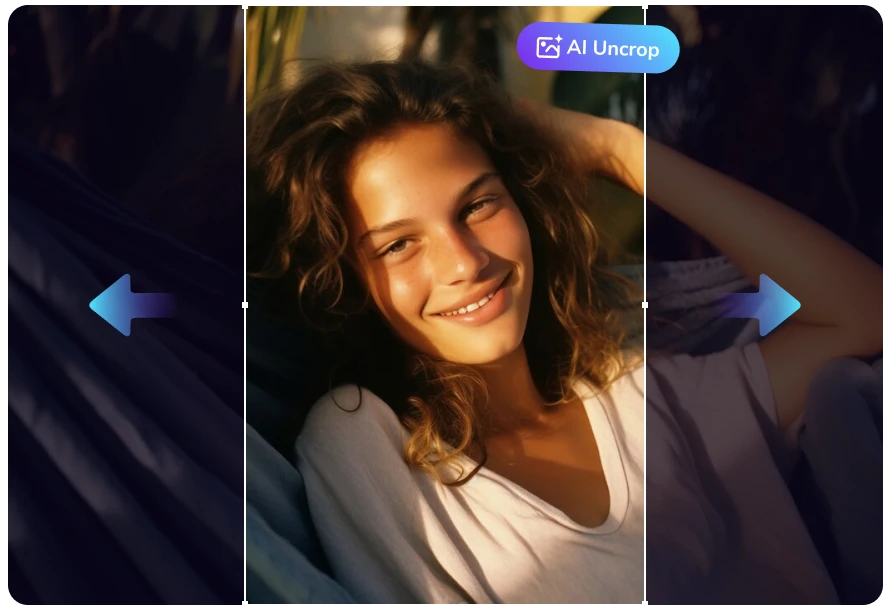
With AVCLabs Free AI image expander, you can easily restore cropped images or fix the problem of overly tight composition. AI can analyze the surrounding pixel information and automatically uncrop image based on the edges, light, texture and scene of the original image.
The extended image maintains the same style and details as the original picture. This AI image uncrop tool allows you to obtain a more complete image version without having to re-create it.

Using the professional AI Outpainting feature, you can automatically resize the canvas to fit the specific aspect ratios of different platforms, such as Instagram's square posts(1:1), YouTube's thumbnails(16:9), and Pinterest's Pins(2:3).
Thanks to the generative fill technology, the AI expanded area can blend seamlessly with the original image and create a completely natural look. You can obtain a perfectly enlarged image without needing to add solid-colour borders or crop the picture.
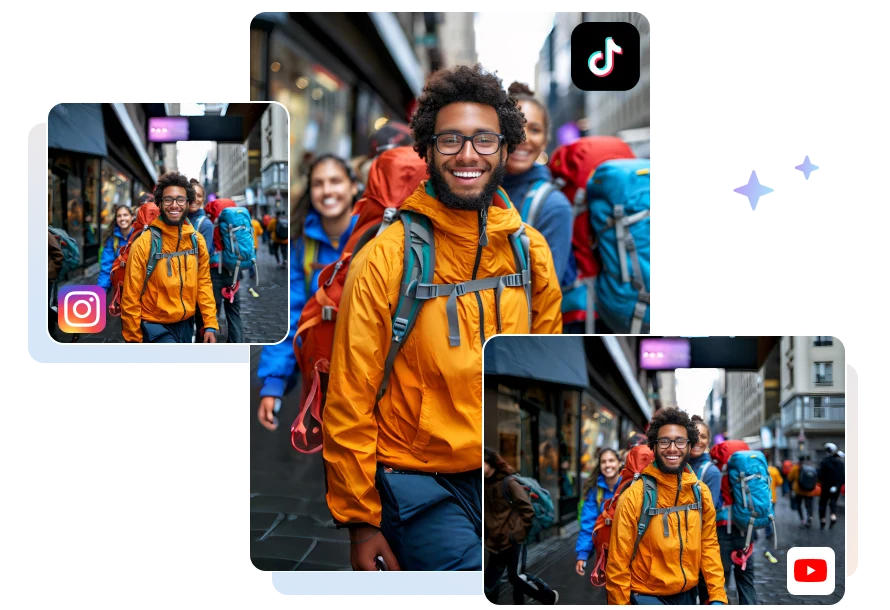
This AVCLabs image uncrop tool really surprised me that it can restore the missing parts in an extremely natural way, making it almost impossible to tell that this image was ever cropped. It is practical for restoring old photos or fixing images that were damaged due to improper resizing.

The thing I like most about this image extender AI is that it can generate 4 images at once in a batch. For a specific size, you can obtain several different image expand effects, and then choose the one that best suits your aesthetic preferences. This greatly enhances flexibility and is particularly useful for creative projects.

This AI image extender free does not merely stretch or distort the image. Instead, it is capable of truly generate completely new content that perfectly matches the original scene. Whether it is horizontal or vertical expansion, the background generated by the AI can seamlessly blend with the original image.

From uploading images to generating the extended results, there is almost no waiting time required. It is highly suitable for scenarios where quick image outpainting need to be completed. This free online image enlarger has saved me a lot of time, and the result is so natural that no additional photo editing is needed.

You can use the AVCLabs AI Image Extender to turn a portrait photo into a landscape format. The AI will expand image on both the left and right sides that is consistent with the style of the original image, while preserving the original composition.
If you want to convert a landscape image to a vertical format without cropping it, you can use AI technology to intelligently extend the top and bottom areas of the image, thereby avoiding the loss of important details.
The best solution is to use AVCLabs free AI Image Extender, which is based on AI outpainting technology. It can generate new pixels that match the existing scene and AI expand image, rather than simply stretching the original content.
Yes. When using AI Image Expander to uncrop an image, it preserves the clarity of the original photograph. Furthermore, the uncropped areas blend seamlessly with the original image without compromising image quality.
AVCLabs AI Image Extender Free Online is one of the best image expand tools available. It allows you to enlarge photos to different aspect ratios and uncrop image online for free. The generated images are clear and watermark-free, and can be used for both personal and commercial purposes.
Use AVCLabs free AI girlfriend generator to customize your dream AI mate online.
Read MoreOne click to AI enlarge image online with AVCLabs Free Image Enlarger. Instantly enlarge image size without losing quality.
Read MoreFree turn your images or text prompts into stunning 1080p videos with Seedance AI.
Read MoreEasily colorize black and white photos, replace colors, change backgrounds colors, and apply stunning color tones.
Read MoreUse text prompt to create images or transform your image into new visuals or artwork.
Read MoreGet rid of shadows from your photos in seconds with this AI-powered online shadow remover.
Read MoreRemove different types of noise, aliasing, distortion, and more from images with ease.
Read MoreMake images transparent for free and get transparent images in a second.
Read More
Copyright 2026 AVCLabs Inc. All rights reserved