HDR video is becoming the mainstream high-definition standard. Whether you want to test the latest HDR TV, create a film-grade video project, or simply pursue the ultimate viewing experience, obtaining high-quality HDR video is crucial. We have selected 8 of the best HDR video download websites, covering three main categories: hardware benchmark testing, creative editing materials, and movie entertainment content.
Quick Glance: Best HDR Video Download Sites
What is HDR Video?
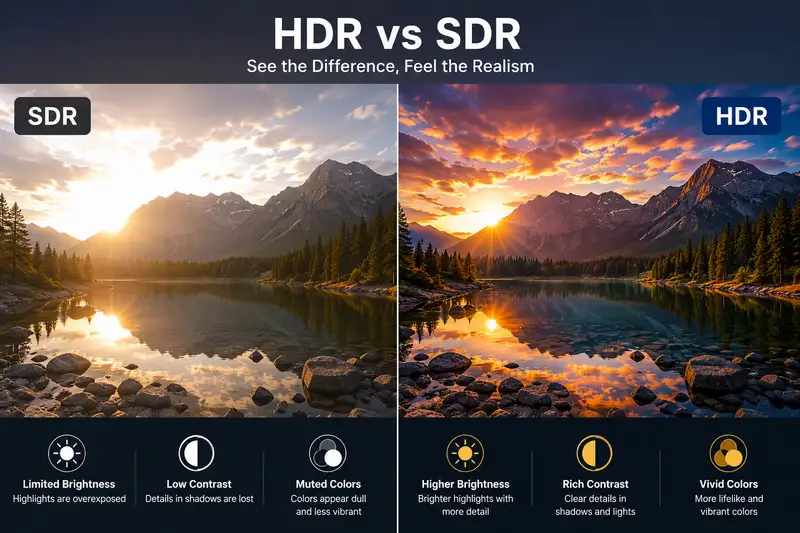
HDR (High Dynamic Range) is a video and display technology that can present a wider range of brightness, deeper contrast, and richer color details. Compared to traditional SDR (Standard Dynamic Range), HDR can retain more information between the highlights and shadows, making the image closer to the real visual effect of the human eye. Whether for movies, games, or nature scenery, HDR delivers a more immersive viewing experience.
The current mainstream HDR standards include:
HDR 10: The most widely adopted open HDR standard. Supported by nearly all HDR-capable TVs, monitors, and streaming platforms.
HDR 10+: The strongest free competitor to Dolby Vision. It utilizes dynamic metadata to optimize brightness and contrast on a scene-by-scene basis.
Dolby Vision: A premium HDR format. It delivers highly realistic image quality but requires compatible hardware and the corresponding licenses.
HLG (Hybrid Log Gamma): Does not require metadata and is compatible with SDR devices. Mainly used in sports event live broadcasts, news, and live programs.
Why Download HDR Videos?
Users download HDR videos for a variety of purposes. Beyond simple viewing, HDR videos serve practical roles in testing, content creation, and post-production workflows.
HDR Display Device Testing
For users who have purchased a new TV, monitor or projector, the HDR test video is the most direct way to evaluatet he device's HDR performance. The HDR test video can help you verify whether your device truly delivers the brightness, contrast, color and dynamic performance of HDR, and ensure that formats such as HDR10 / Dolby Vision function properly.
Video Editing and Content Creation
HDR videos offer excellent color grading flexibility and cinematic visual effects. Content creators and video editors can use these materials for creating YouTube HDR videos, high-definition video projects, or commercial advertisements and promotional content.
Movies Download and Entertainment Content
For users who value the quality of their movie viewing experience, 4K HDR or Dolby Vision movie resources can offer a superior visual experience. They excel in terms of brightness, contrast, and color reproduction, with richer details in the shadows and more realistic highlights.
8 Best HDR Video Download Sites (4K HDR, HDR10 & Dolby Vision)
1. 4K Media
Best For: Demonstrate the HDR performance of the new TV/display
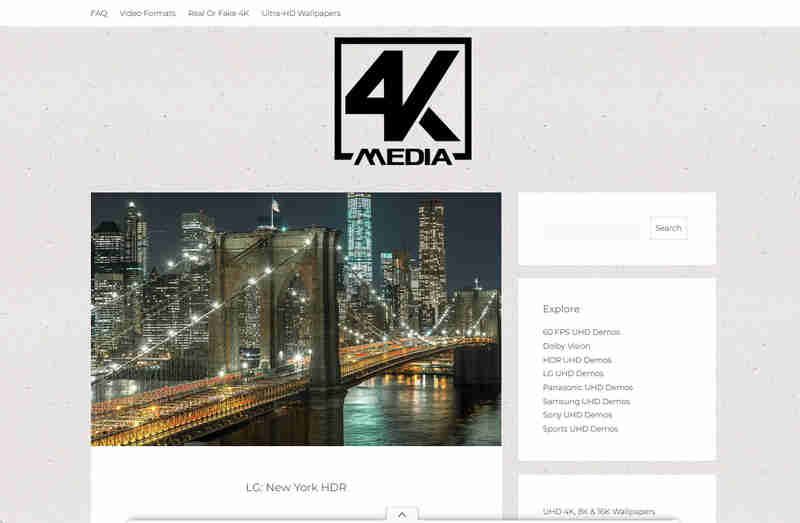
4K Media is one of the most reliable sources for accessing the official HDR demo video from major TV manufacturers such as Sony, LG and Samsung. It offers a large number of 4K HDR test videos, including natural landscapes, cityscapes, and technology demonstrations. These files are presented at high bitrates, which can effectively test the peak brightness, contrast performance, and accuracy of tone mapping of the display device.
2. YouTube HDR Demo Channels
Best For: Free 4K/8K HDR10 & HLG demo videos
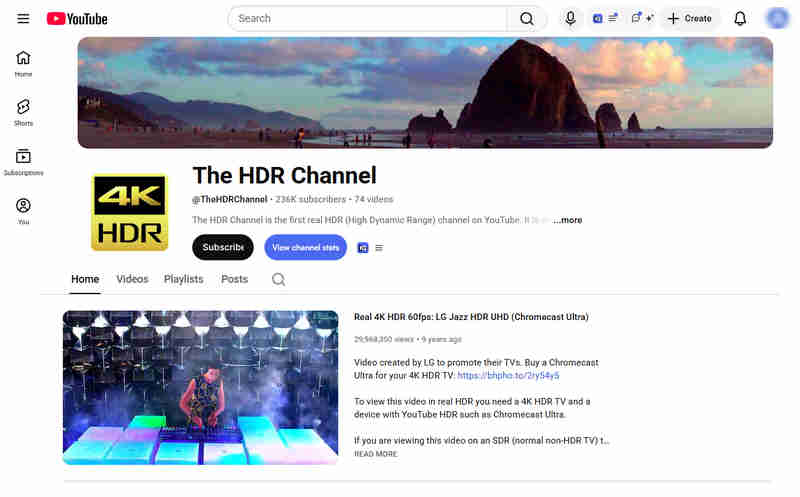
There are numerous channels on YouTube that specifically upload content related to HDR demonstrations, such as Jacob + Katie Schwarz, The HDR Channel, 8K HDR Videos, etc. These channels offer genuine HDR10 or HLG videos, covering various types including natural landscapes, city time-lapses, macro shots, animals, aerial photography, etc., which are suitable for testing the HDR performance of televisions, displays or mobile phones.
🔥 Read More: Download YouTube Videos in High Quality: 5 Proven Tools (Online+PC)
3. Pexels
Best For: Creators seeking high-quality and free HDR video clips
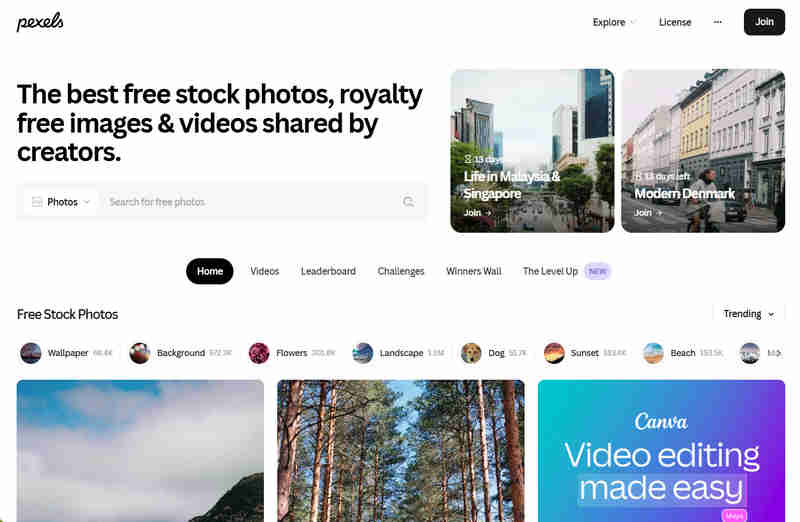
Pexels is one of the best free stock photo platforms that offers a large number of free and commercially usable 4K HDR video materials, covering various categories such as nature, cityscapes, business, technology, etc. Users can directly download the HDR videos without the need to register. Pexels adopts the CC0 licensing agreement, which means you can freely use, modify and distribute the videos without having to seek permission.
4. Pixabay
Best For: Publicly available, royalty-free videos that are well-divided and have a wide range of categories
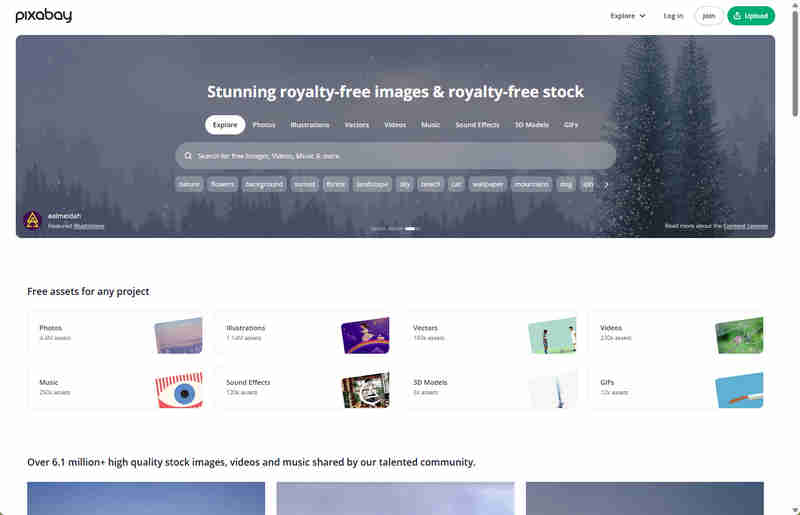
Pixabay offers an extensive collection of public domain, copyright-free materials. Its strength lies in its highly detailed categorization. By searching for terms like HDR or High Contrast, you can find a large number of high-quality shots taken by photographers from all over the world using professional equipment. All of its resources can be used in commercial projects without the risk of copyright disputes.
5. Videezy
Best For: High-resolution drone aerial footage and landscape backgrounds
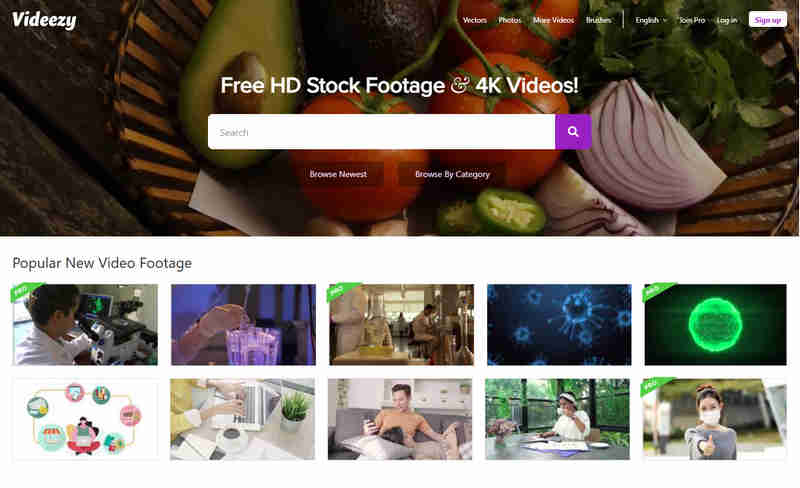
Videezy is a community-driven stock footage website, featuring user-uploaded drone shots, cinematic clips, and professional video assets. Most HDR videos can be downloaded and used directly for free. However, when using free materials, it is necessary to indicate the source. Footages with the "Pro" label require the purchase of credits.
In addition, Videezy integrates and references the content from Adobe Stock, enabling users to directly access more high-quality and professionally-licensed stock video materials.
6. Vecteezy
Best For: Digital-rendered HDR background effects and opening animation
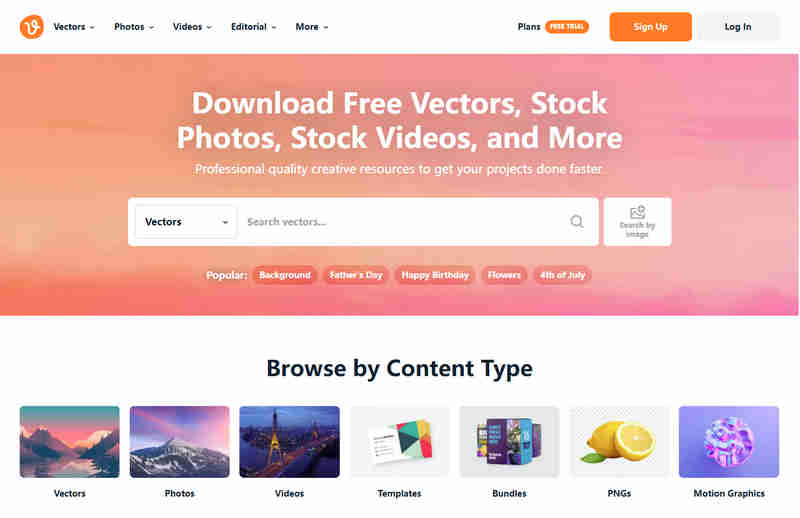
Vecteezy is a comprehensive stock media platform that offers various types of materials, such as videos, photos, vector graphics, music, and dynamic graphics. The platform has a powerful filtering system that enables users to quickly find high-quality cinematic-style materials suitable for HDR workflow or video editing. Besides the common filtering conditions like material orientation, free or professional licensing, Vecteezy also supports more detailed filtering functions, such as whether it is AI-generated content, image color representation, threshold, and sorting by best match or newest upload, thereby improving the efficiency and accuracy of material search.
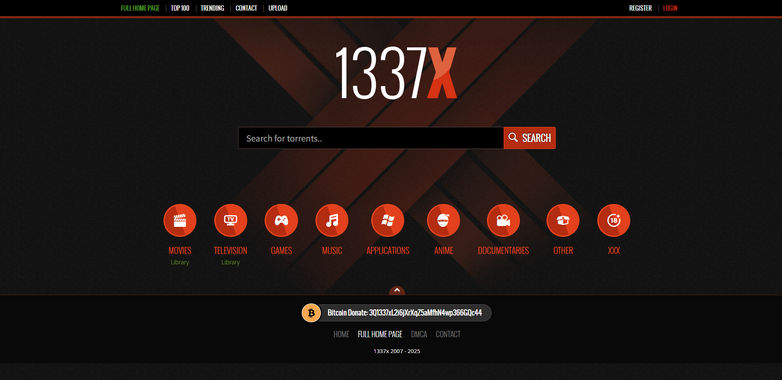
7. 1337x
Best For: Download 4K UHD releases movie torrents that may include HDR10 and Dolby Vision
1337x is a globally renowned BitTorrent resource index website, which is characterized by its rich resource content and diverse formats. The resources on 1337x come from numerous different compression groups and uploaders, covering various versions ranging from Blu-ray original discs (BDISO/BDMV) to high-bitrate re-encoding (REMUX) and medium-sized compressed versions. You can find versions that include both HDR10 and Dolby Vision on 1337x, as well as resources in HDR10+ format.
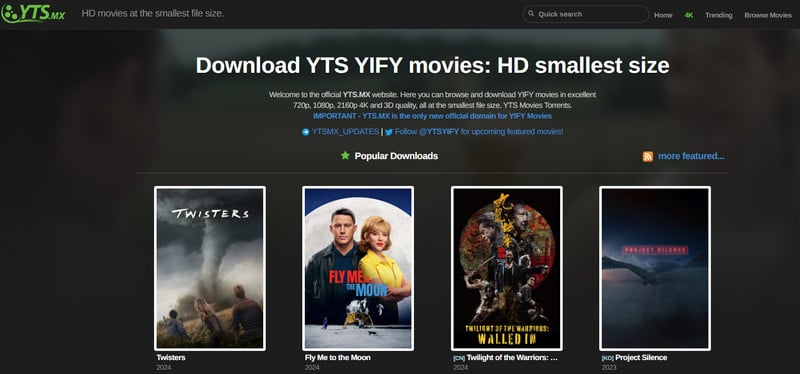
8. YTS
Best For: Get and download compact 4K HDR movie files
YTS is the most renowned movie seed website, offering a vast amount of movie resources in high compression ratio and small file format. Its distinctive feature is that it compresses the movie seed files to an extremely small size while maintaining high-definition quality. YTS provides a large number of 4K HDR10 movie resources, and the download speed is fast. It is very friendly to users with limited bandwidth and storage space, and is suitable for users who like to collect HDR movies.
🔥 Read More: 10 Top Movie Downloader for Mobile and PC in 2026
Convert SDR Videos to HDR with AVCLabs Video Enhancer AI
If you only have ordinary SDR videos but want to achieve better brightness, contrast and color performance on HDR TVs, monitors or mobile phones, then converting SDR to HDR is the most straightforward approach.
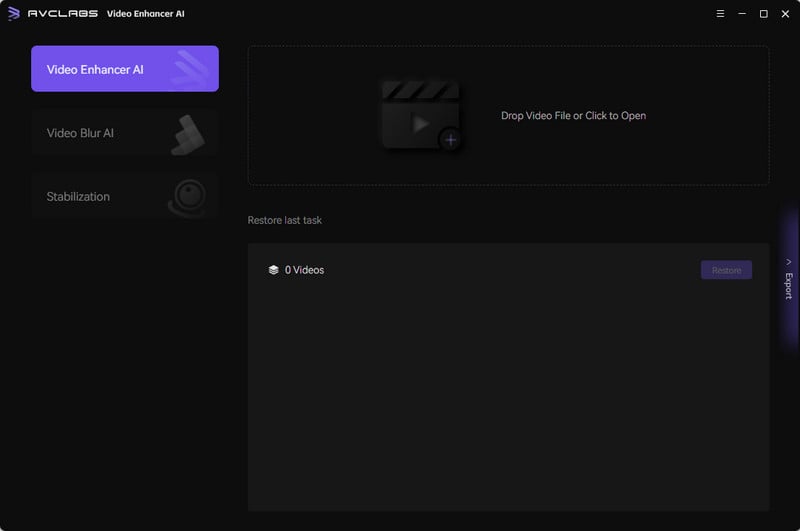
AVCLabs Video Enhancer AI is a desktop application that utilizes deep learning technology for video super-resolution, restoration and enhancement. Its built-in SDR to HDR function can expand the dynamic range, giving the originally dull SDR videos brighter highlights, deeper shadows, and richer color gradations and resulting in a more realistic HDR effect overall. Additionally, it offers features such as AI colorization for black-and-white videos, video upscaling, noise reduction, and video stabilization.
Editor's Choice
AVCLabs Video Enhancer AI
- One-click activation, no need for complex parameters
- Automatically enhances brightness, contrast and color dynamic range
- Output supports HDR10, suitable for HDR TVs and 4K displays
- Suitable for scenarios such as old video restoration, upgrading SDR videos on mobile phones, and content creation
How to Convert SDR to HDR with AVCLabs Video Enhancer AI?
Step 1: Import Your SDR Video
Launch AVCLabs Video Enhancer AI and drag-and-drop your SDR video into the workspace. The tool supports most common video formats, including MP4, MOV, AVI, and MKV.
Step 2: Enable SDR to HDR
In the Feature List on the right panel, enable the SRD to HDR function. If you have any other requirements, such as wanting to output in 4K HDR video, you can select your desired output resolution.
Step 3: Preview and Start Processing
Click the preview button to view the comparison effect. Select the video settings you need. For the best result, it is recommended to choose H.265 (HEVC) encoding that supports 10-bit color depth. This format is compatible with most HDR display devices.
Once finished, click Export to render your brand-new local HDR video.
FAQ About HDR Video
What is the difference between HDR10, HDR10+, and Dolby Vision?
The main difference between HDR10, HDR10+, and Dolby Vision lies in how they handle brightness and color information during playback.
| Feature |
HDR10 |
HDR10+ |
Dolby Vision |
| Metadata |
Static (locked for whole video) |
Dynamic (adjusts per scene) |
Dynamic (adjusts per scene or frame) |
| Color Depth |
10-bit |
10-bit |
Up to 12-bit |
| License Fee |
Free |
Free |
Paid |
| Where to Find |
Universal (all HDR displays) |
Samsung, Amazon Prime, Google TV |
Netflix, Disney+, Apple TV, UHD Blu-ray |
| Best For |
Safe, reliable choice |
Samsung TV owners |
Premium home theater setups |
Where can I download HDR videos for free?
You can download HDR videos for free from websites such as 4K Media, Pixabay and Vecteezy. If you need HDR test clips for evaluating HDR TVs or monitors, 4K Media is the best choice. For video editing and content creation, stock footage sites like Pexels, Pixabay and Videezy offer a large amount of free materials that can be used in HDR workflows.
Can I convert SDR videos to HDR?
Yes. SDR videos can be converted to HDR through software, providing brighter highlights, deeper shadows, and richer color representation. If you are looking for a simple and stable solution, AVCLabs Video Enhancer AI is a good choice. It offers a one-click SDR to HDR conversion and can automatically optimize brightness, contrast, and color range, allowing ordinary SDR videos to present a more realistic HDR effect on HDR TVs or 4K displays.
Conclusion
Whether you are looking for professional HDR demonstration clips from 4K Media, creative materials from Pexels and Videezy, or 4K HDR movies released by YTS and 1337x, the HDR video download sites introduced in this guide can help you find the HDR content that meets your needs.
If you cannot obtain the original HDR video, converting the SDR video is also an effective alternative. With AVCLabs Video Enhancer AI, you can easily convert ordinary videos into HDR videos, allowing you to enjoy a more immersive viewing experience on modern HDR displays.
Billie Miller
AI Product Content Strategist
Billie Miller is an AI product content strategist who writes about AI-powered tools for image generation, video creation, editing, and creative workflows. She focuses on hands-on testing and real-world use cases, helping readers understand how different AI tools perform in practice and choose the right solution for their creative needs.









 Sherry Johnson
 April 24, 2026