3 Best HD VSCO Downloaders in 2026 (Tested & Working)
 Posted By: Billie Miller
- Posted On: April 30, 2026
- Category: Photo Editing Tips
As more users want to save high-quality photos from VSCO, a plethora of VSCO photo downloaders have emerged. However, in our testing, we found that many tools either fail to recognize VSCO links, are full of ads, or even require account login.
This article features 3 truly tested and stable VSCO downloaders. These tools are not only account-free and easy to use, but they also successfully parse VSCO links, helping you quickly download VSCO photos.
Part 1: What Is a VSCO Downloader?
A VSCO downloader is a tool that allows users to download photos or videos from publicly available VSCO profiles, mostly in the form of online tools. Users can access them on Windows, Mac, iPhone, Android, or other devices without installing any software or logging into a VSCO account.
Part 2: 3 Best VSCO Downloaders to Download HD Images in 2026 (Tested & Reliable)
1. VSCO Downloader
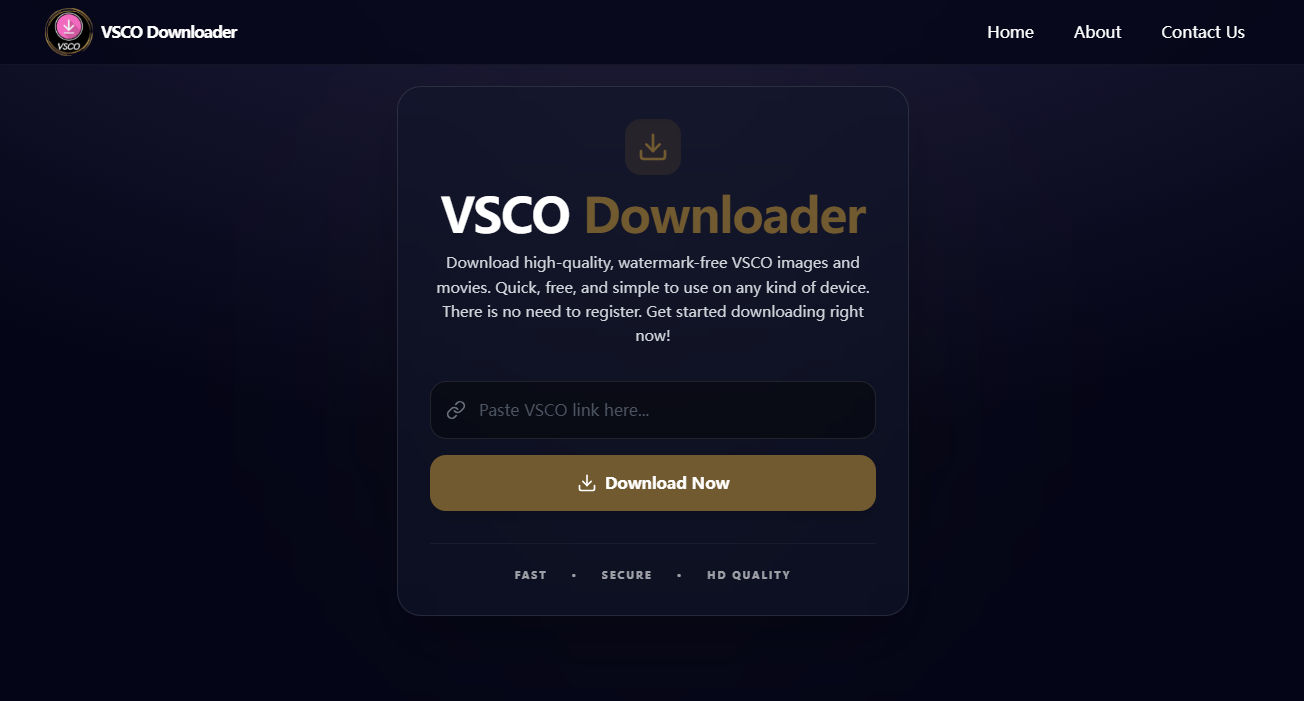
VSCO downloader is listed as the most recommended VSCO photo downloader primarily because of its clean and ad-free interface. VSCO images can be saved in full size to your computer or mobile phone. Furthermore, this VSCO photo downloader retains original image metadata during download, such as camera model, aperture value, and focal length, making it ideal for users who want to preserve complete photo information.
- Online ad-free VSCO image downloader.
- Download HD pictures from VSCO in JPG format.
- No account or personal information required.
- Cannot download media from private account.
- Unable to download VSCO profile picture.
- No batch download feature.
2. Snaplytics VSCO Profile Picture Downloader
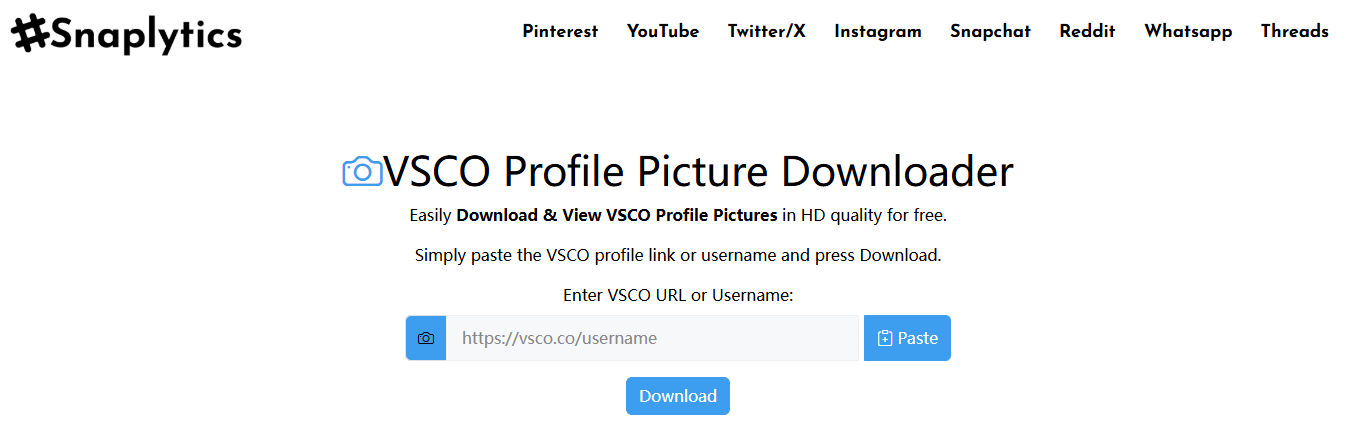
Snaplytics offers a VSCO Profile Picture Downloader specifically designed for easily downloading VSCO profile pictures. Users simply need to paste the VSCO profile link or username to download full-resolution profile pic online for free. This VSCO Profile Downloader offers two download modes: Faster and Direct. The Faster mode allows users to preview the profile picture in a window before selecting to download; while the Direct mode automatically starts the download immediately upon clicking and saves the profile picture directly to your device.
- Free to view and download full size profile image.
- Support downloading media content from other major platforms, such as Pinterest, Snapchat, and Instagram.
- Works on desktop and mobile browsers.
- Limited to downloading VSCO profile pictures only.
- The interface contains advertisements.
3. Experts Tool
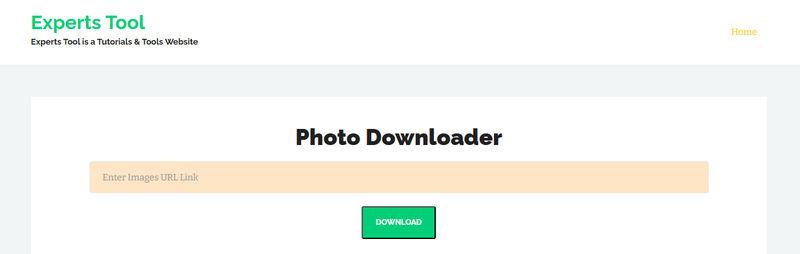
Experts Tool VSCO Downloader allows users to quickly download media content by pasting VSCO image links. No registration or software installation is required. Simply access the site through your browser to easily save VSCO images in JPG format.
In addition to the VSCO image downloader, Experts Tool also provides several image downloaders for Pinterest, Flickr, and Imgur, making it convenient for users to download media content from different platforms.
- Free to download HD VSCO photos, no installation required.
- Support saving images as JPG format.
- Compatible with both desktop and mobile devices.
- VSCO image needs to be saved manually.
- No batch download option.
Part 3: Is It Legal to Use a VSCO Downloader?
Generally, using a VSCO photo downloader is not illegal. Downloading images for personal use, such as as phone wallpaper or to learn photo styles, is legal. However, using downloaded VSCO images for commercial purposes, redistributing, or reposting may violate copyright law. Therefore, to ensure safety, users should only download publicly available content and respect the rights of the original authors.
Part 4: How to Download VSCO Photos Officially?
Because the VSCO app uses internal resource links, such as https://vs.co/xxxx, most VSCO image downloaders cannot recognize these links. Therefore, if you want to download images from VSCO, it's recommended to copy the link from your browser before downloading.
Step 1: Access VSCO through your browser and find the photo or video you want to download.
Step 2: Copy the work link from the address bar, for example: https://vsco.co/username/media/xxxx.
Step 3: Open any VSCO picture downloader, paste the link into the input box, and click "Download" to immediately download VSCO images.
Part 5: Enhance Your VSCO Downloads with AI
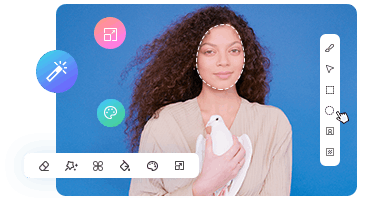
AVCLabs PhotoPro AI is a powerful AI photo editor that can enhance image quality, increase resolution, reduce noise, and improve photo details. If you've downloaded VSCO photos for inspiration or saved your own edited VSCO photos, AI tools like AVCLabs PhotoPro AI can come in handy.
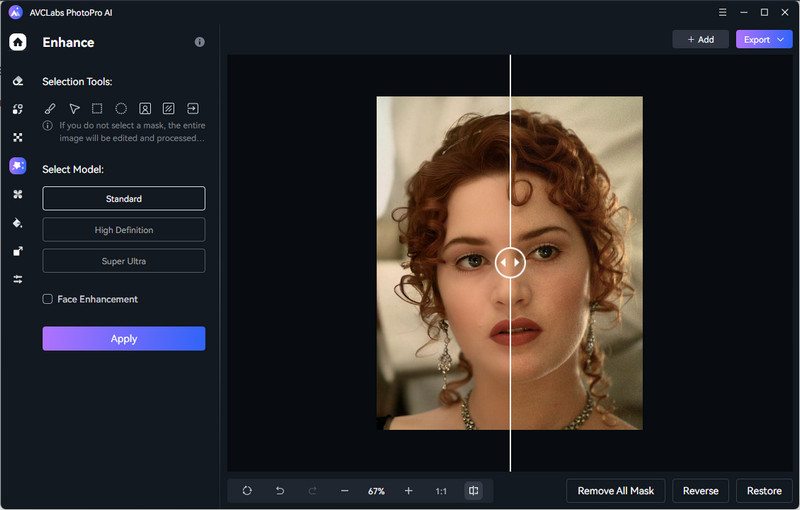
Key Features of AVCLabs PhotoPro AI
- Create breathtaking images from anime or abstract.
- Colorize your B&W image with stunning color and clarity.
- Increase image resolution by 2x, 3x, 4x without losing quality
- Effortlessly remove any unwanted object with pinpoint accuracy.
- Turn your ideas into visuals in seconds with no waiting or limits.

FAQs about VSCO Downloader
Are there any reliable ways to download a VSCO account?
If you want to save images from a public account, taking a screenshot is a simple and feasible method. However, if you want higher-resolution image quality, it is recommended to use a VSCO image downloader that supports high-definition downloads.
Can I download photos without VSCO login?
Yes. You can directly download pictures from VSCO by copying the link without an account or password.
Can I save high-resolution VSCO images?
Images downloaded via VSCO downloaders are generally saved at the original resolution. If you want to increase the resolution further, you can use AVCLabs PhotoPro AI to optimize and enhance the image for a clearer result.
Guess You Like: How to Convert Images to 4K Resolution Without Losing Quality
Conclusion
The 3 VSCO download tools recommended in this article—VSCO Downloader, Snaplytics VSCO Profile Picture Downloader, and Experts Tool—have all been tested and can download images in high-resolution quality. Downloaded VSCO images can be further enhanced in terms of image quality and detail using AVCLabs PhotoPro AI.