
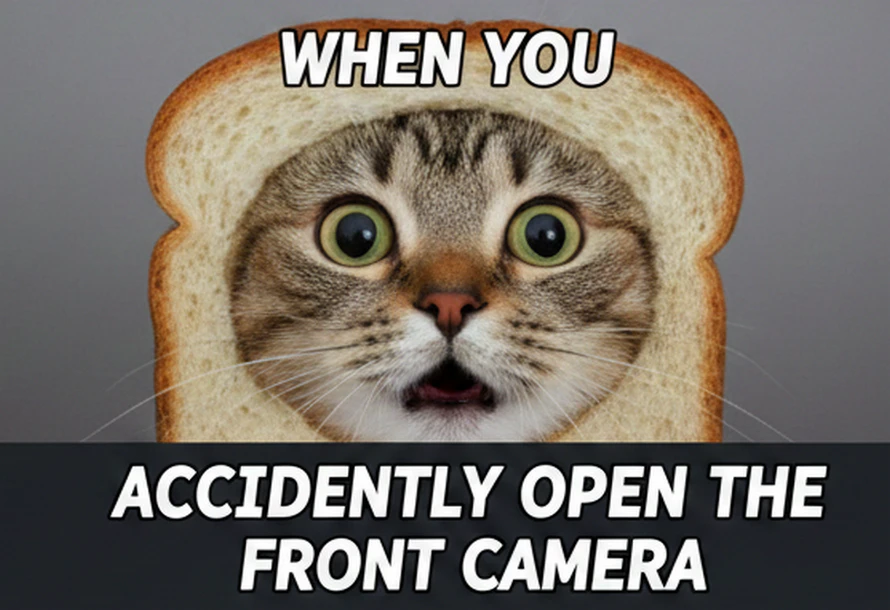
Any Video Converter provides fast, precise, and high-quality AI video generation from text prompts or images with reliable desktop-level performance.
Designed for creating memes quickly, with instant results and easy sharing.
Designed for advanced AI generation, smooth performance, and deeper creative control.
Tell it what you want to see by typing a simple prompt, or use your own image as a starting point.
Type in those hilarious captions or "inner monologues." Whether it's a classic top-bottom text or a witty subtitle.
Modify image dimensions by text prompt, and you also have the freedom to change the text color or adjust the layout.
Click the "Generate" button and your high-quality video meme is ready to be downloaded and shared to go viral!
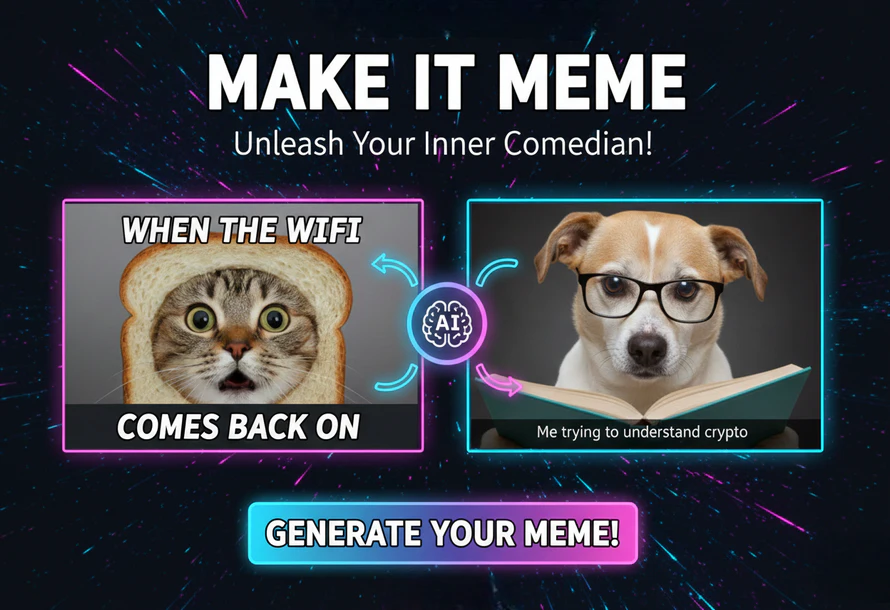
AVCLabs Video Meme Generator can generate video memes from images and text free online. Built on the fast and efficient Seedance 1.0 Pro Fast model, it can turn your idea into a polished meme video in seconds by automatically selecting trending templates, generating your main lines, and creating video backgrounds.
It automatically handles all the design work for you, including animations and visual effects, so your meme looks professional without any effort. This means you can focus entirely on your humor and ideas. Besides, it can be easy to turn a casual photo of your cat into a viral meme, or copy vital TikTok video memes to get similar ones that spread laughs.
AVCLabs Video Meme Generator can truly understand your instructions to create your memes free online. It automatically picks the optimal layouts according to your styles and details. Also, you no longer have to waste time manually selecting text fonts or fiddling with color palettes.
Many online generators only offer a few fixed fonts and presets that everyone has grown tired of. However, different memes require different vibes, like a rage-filled meme calls for bold red, while a melancholic one suits a deep blue. This easy-to-use generator knows it well, and it can surprise you now and then.
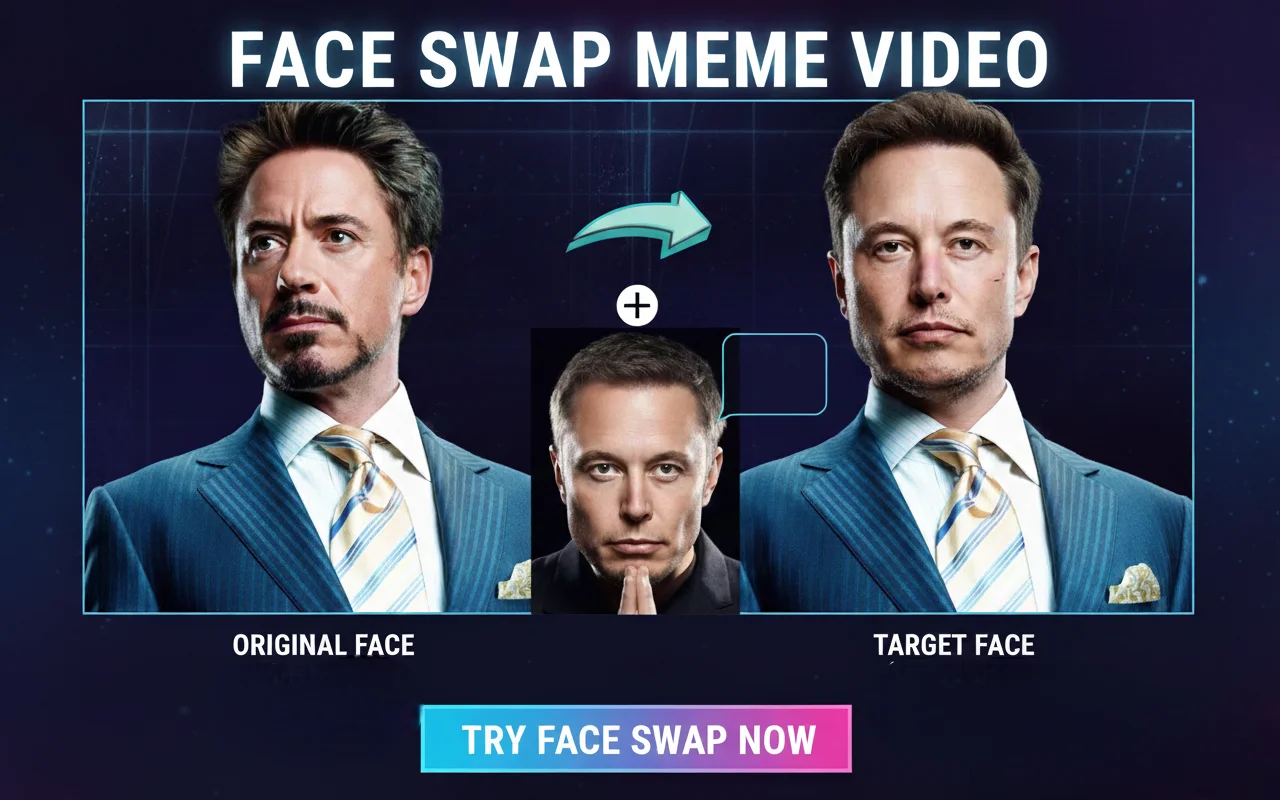
AVCLabs Video Meme Generator can generate video memes with face swap online for free. It automatically matches the lighting, blends skin tones, and tracks expressions so the face looks like natural, so the swapped face looks perfectly natural in every frame.
With AVCLabs Video Meme Generator, you can effortlessly swap faces with anyone, put your face on your pet. For example, put your face on a famous movie character to star in your favorite scene. Or, replace your face on your pet in boring videos that will make everyone laugh.
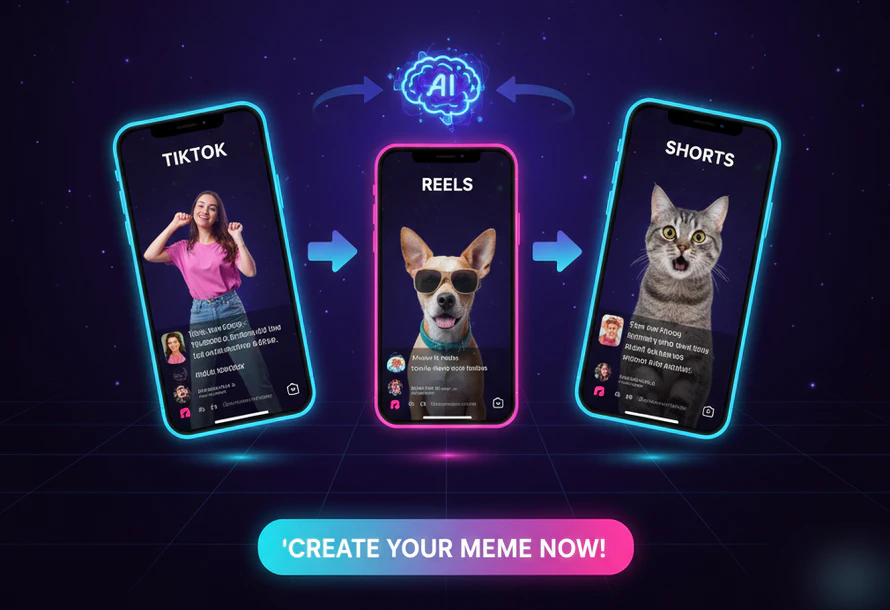
You can use AVCLabs Video Meme Generator to generate video from image or text for TikTok shorts or Instagram Reels. It's friendly for content creators in high-frame-rate and high-definition export. It'd be more likely to be pushed onto the For You Page and reach a wider audience.
You can naturally adjust the text positioning by prompt, and it ensures your captions are never obscured by TikTok's right-side icons or the description text at the bottom. This ensures your memes remain perfectly visible on any device. It's suitable to create meme videos to be your source materials.
I use the AI prompt feature to style my video memes exactly how I want. Instead of fiddling with settings, I just type use neon fonts, move text to the corner, or best I can do meme, and it just works. It's like having a professional designer who actually listens to me. A huge time-saver for my social media page!

I used AVCLabs meme video generator to put my friend's face into a famous movie scene for his birthday, and the group chat went wild! The skin tone blending is so realistic that it doesn't look like a cheap edit. It's the easiest way to make high-quality, hilarious content without any technical skills.

As a content creator, I love use it to make white background text memes for TikTok. AVCLabs AI meme video generator automatically places my captions where they won't be covered by the app's UI. My videos look professional and clean on every device, which has definitely helped my engagement rates.

Sometimes I have a great joke but no footage to go with it. With this generator, I just type in my idea, and it finds the perfect trending template for me. It's brilliant for those moments when inspiration strikes but you don't have time to browse through thousands of clips.

I have zero experience with video editing, but AVCLabs makes me look like an expert. I can turn a simple selfie or a pet photo into a viral-style video meme in under a minute. It's a practical, fun, and completely free solution for anyone who loves making people laugh.

Some popular options include online meme makers and AI tools. If you want to create video memes easily, AVCLabs Video Meme Generator is a great choice, offering AI-powered meme creation online. You can make viral video memes by words.
The easiest way is to use AVCLabs AI Meme Video Generator. You can turn text, photos, or videos into memes in just a few clicks—no editing skills needed.
Simply upload a image, or text, describe captions or effects, and export the result. AI video meme generators online like AVCLabs make the whole process fast and beginner-friendly.
Upload the image to AVCLabs meme video generator. It allows you to precisely trim the "punchline" of the scene and add custom text overlays. Because it supports high-definition exports, your movie memes will remain crisp and professional-looking, rather than blurry or pixelated.
You can describe the "vibe" or the situation, and the AVCLabs Video Meme Generator can suggest relatable, funny captions. It even understands internet trends to ensure your jokes feel fresh and relevant to current social media culture.
Generate, replace, and remove any background using AI background generator online free.
Read MoreEffortlessly use text prompt to create images or transform your image into new visuals or artwork.
Read MoreGenerate realistic baby faces from image online free in just a few clicks.
Read MoreFree turn photos into engaging videos with AVCLabs AI Video Generator from image.
Read MoreRaise video quality to 4K free with AVCLabs 4K video enhancer online free.
Read MoreIncrease image dimensions by 200%, 300%, or 400% while maintaining full resolution.
Read MoreFree remove emoji, watermarks and any object from videos online with a clean & quick reslut.
Read MoreOnline remove glasses glare, light glare, flash glare, and reflection from photos.
Read MoreStabilize shaky footage in seconds to create smooth, professional-quality videos.
Read More
Copyright 2026 AVCLabs Inc. All rights reserved