
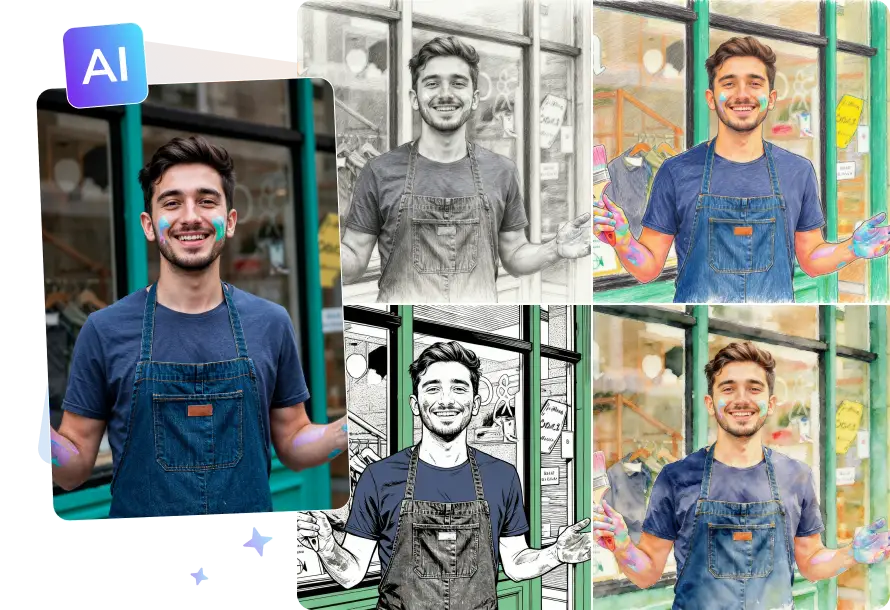
A more advanced solution for image generation, delivering greater control and scalability than online tools.
Perfect for on-the-go use, instant fixes, or quick sharing needs.
Optimized for efficient, high-quality image creation.
Upload any image you want to convert, whether it's a portrait or a landscape photo.
You can enter a command to guide the AI to specify the desired sketch style.
Click Generate button and AI will quickly convert picture into sketch drawing.
Preview the generated image and download watermark-free image.
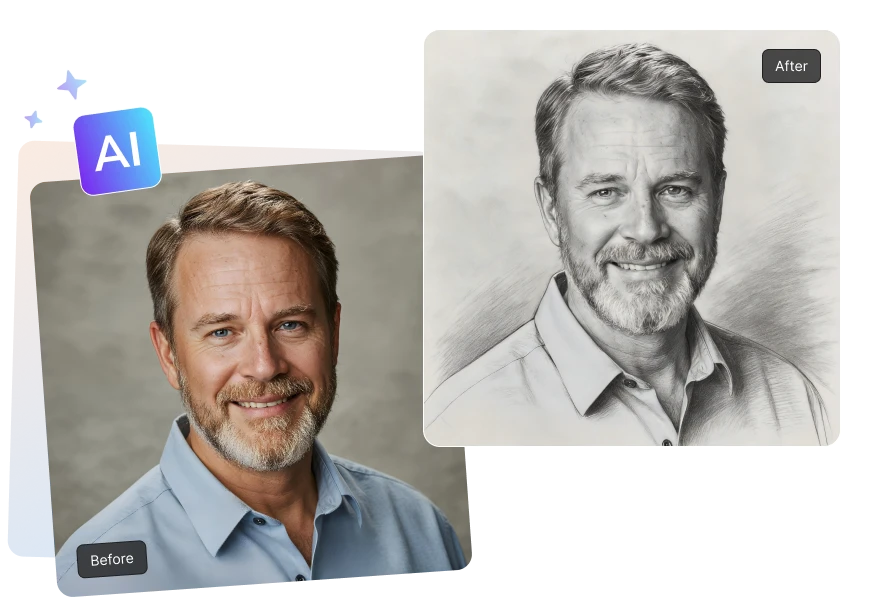
AVCLabs Online Photo to Sketch Converter can easily convert any photo into a stunning sketch-style drawing for free, without installing any software. Whether it's a portrait, still life, or landscape, simply access the AVCLabs Photo to Sketch tool via your mobile or computer browser to generate richly detailed sketches with a single click, giving every photo a fresh artistic touch. Suitable for social media sharing, profile picture creation, art exhibitions, or personal collection.
AVCLabs Online Photo to Sketch Converter is designed for users who pursue personalized creation and diverse artistic expression. In addition to converting photo to realistic pencil sketch online free, you can also create sketch drawings in various styles to suit different use cases.
For example, you can generate cartoon sketches suitable for social media avatars or fun designs, or turn photos into clean, simple black line art for illustration and tattoo template design.
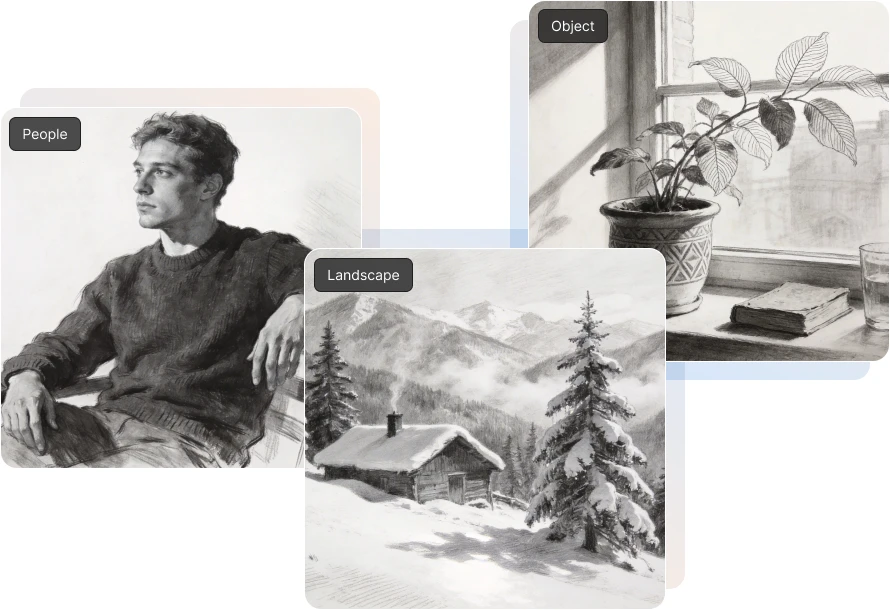
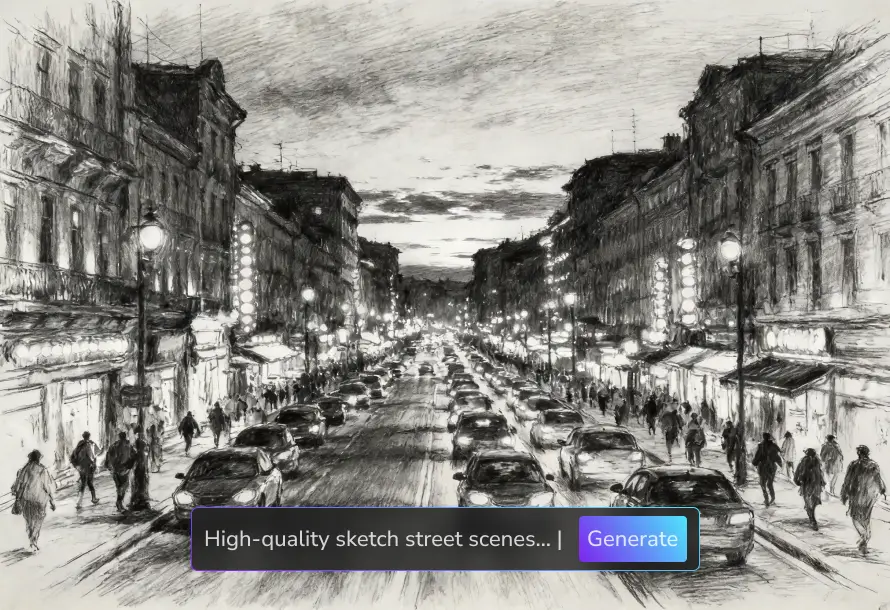
AVCLabs Photo to Sketch Converter uses advanced AI algorithms to intelligently identify and preserve key details in the image during the conversion process, ensuring that the generated sketch designs have smooth lines and clear details. Even complex background textures or intricate facial features can achieve high-quality sketch conversion results.
This free photo sketch converter also supports 2K high-definition export, making it ideal for print output, poster design, or other applications with high image quality requirements.
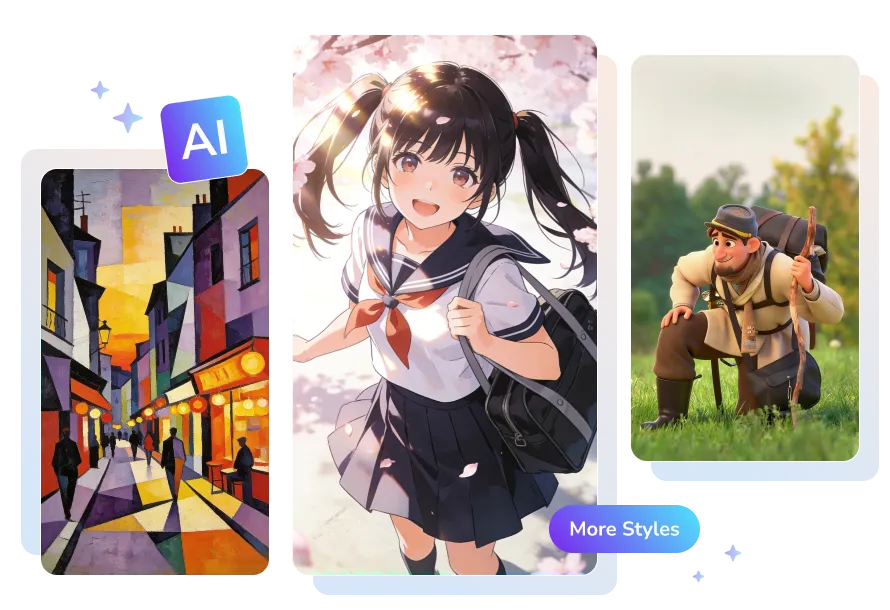
What sets AVCLabs apart is that it's more than just a photo to sketch converter. Beyond turning a photo into a sketch, it can also transform your photos into lifelike cartoon characters, your pets into adorable illustrations, or landscape photos into dreamy Ghibli-style works.
With advanced AI-powered image generation technology, you can easily turn your ideas into works of art in various styles. From detailed sketches to expressive stylized images, AVCLabs AI Image Generator helps you freely express your creativity and explore more possibilities.
I've tried quite a few Photo to Sketch tools, but the best thing about AVCLabs is that you can describe the desired sketch style with text, instead of just choosing the default effect. Whether it's a pencil sketch, cartoon sketch, or simple line drawing, it generates quickly, giving me more creative freedom.

Compared to Photoshop, which requires multiple steps to convert image into sketch, I prefer using AVCLabs Free Image to Sketch Converter. The entire process can be completed with just one click, and even those without drawing skills can easily achieve decent sketch results, making it very convenient to use.

This Sketch Generator not only converts images into sketches, but also allows you to use its generation function to transform images into various styles, such as Pixel Art and Studio Ghibli style. You can find suitable effects for different art works here at AVCLabs.

Whether converting photos into line art or sketch effects, AVCLabs can quickly generate impressive results with clean lines and clear details. It's incredibly useful for creating profile pictures, illustration references, or social media images, achieving professional-looking results without complicated operations.

A photo to sketch converter is a tool that uses AI technology to transform any photo into a sketch-style image, such as pencil sketches, line art, or other artistic sketch effects.
You can use the AVCLabs Online Sketch Generator to transform photo to sketch for free. Simply upload your photo, enter a sketch style, and the tool will automatically generate the sketch image in seconds.
AVCLabs photo to sketch converter only supports converting one image at a time. If you need to upload in batches, you can download and use Any Video Converter, which supports batch conversion of up to three uploaded images at once.
Free Download Free DownloadYes. The generated sketch images can be used for printing, design projects, marketing materials, and other commercial purposes.
No. You don't need any professional skills—just upload your image and generate the line drawing with one click.
Generate, remove, and replace any background and create high-resolution results instantly.
Read MoreUse AVCLabs free Baby Generator AI to see what your future baby might look like.
Read MoreFree turn photos into engaging videos with AVCLabs AI Video Generator from image.
Read MoreTurn text or photos into shareable memes and create viral video memes free online in seconds.
Read MoreConvert your ideas or photo into anime style image for free in seconds.
Read MoreTurn images or text prompts into viral dance video online for free.
Read MoreGet rid of shadows from your photos in seconds with this AI-powered online shadow remover.
Read MoreEasily unblur images free, utilizing cutting-edge AI technology to enhance the clarity of your photos.
Read MoreDiscover the power of vibrant transformation with this online photo colorizer.
Read More
Copyright 2026 AVCLabs Inc. All rights reserved