
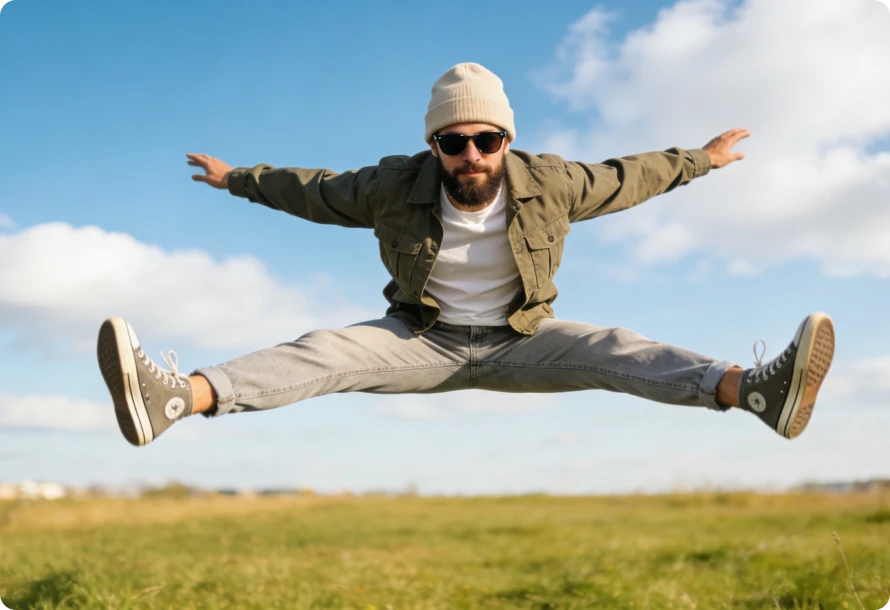
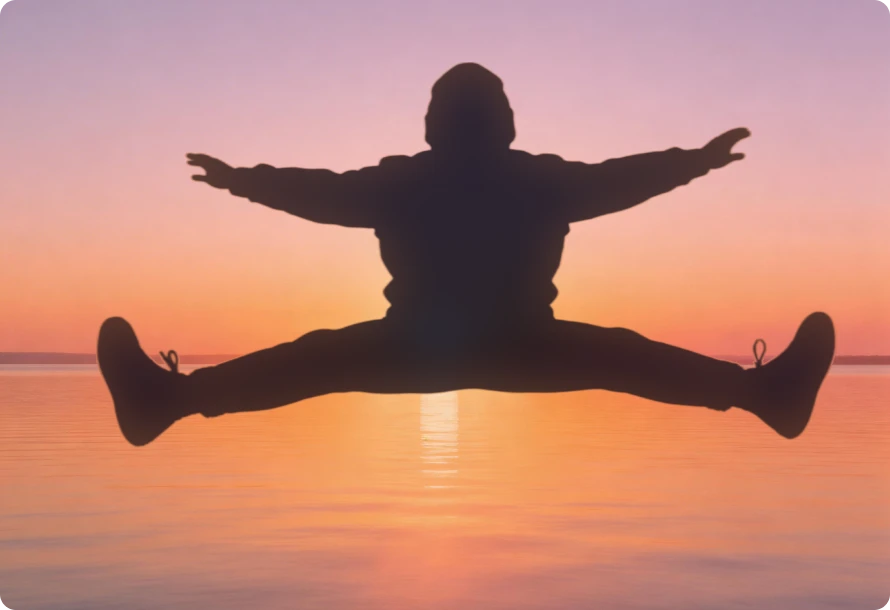
For effortless and clean silhouette creation, Any Video Converter provides powerful AI image generator designed for fast processing, precise edge detection, and stable performance.
Ideal for convenience, quick edits, or users with limited hardware.
Ideal for large images, fast rendering, or professional control to increase productivity.
Upload or drag/drop your photo - works with most common formats.
Tell it that you need to create a silhouette image, and give some reminders.
Choose the aspect ratio and resolution in 720p, 1080p, or 2K.
Hit "Generate" and download your silhouette image(s) online for free.
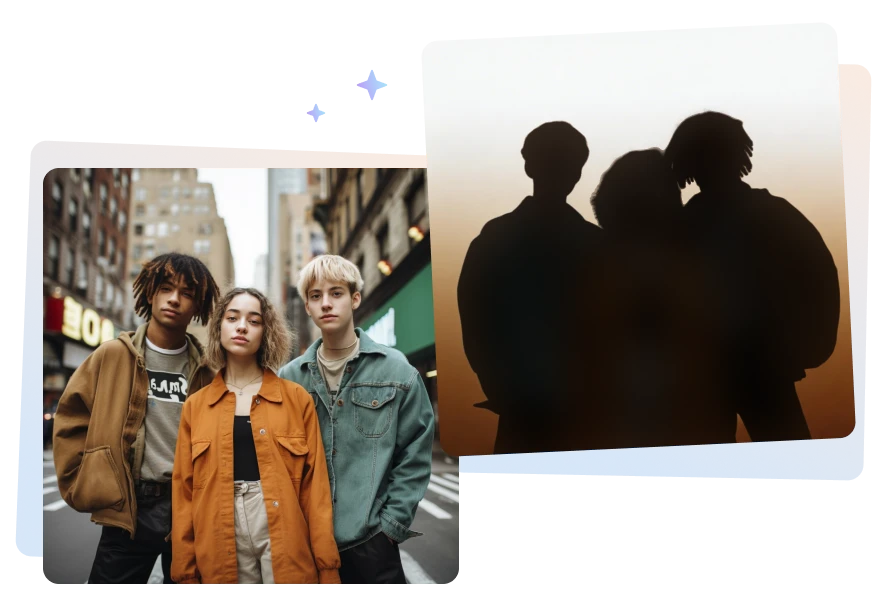
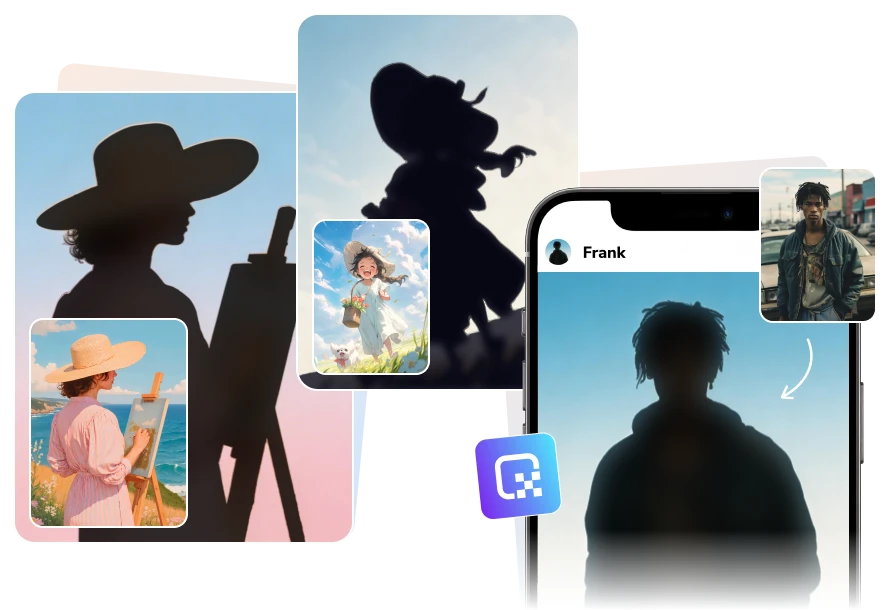
Use AVCLabs people silhouette maker to accurately identify people's movements and fine contours online. You can effortlessly get high-quality silhouette image for free, even if the image background is NOT clean or is similar in color in different layers.
Whether your photo includes an unclear body posture, fying hair, or uneven lighting, your silhouette will remain clear and recognizable. AVCLabs free silhouette maker intelligently detects fine texture details and subtle lighting differences to accurately separate adjacent or overlapping elements.
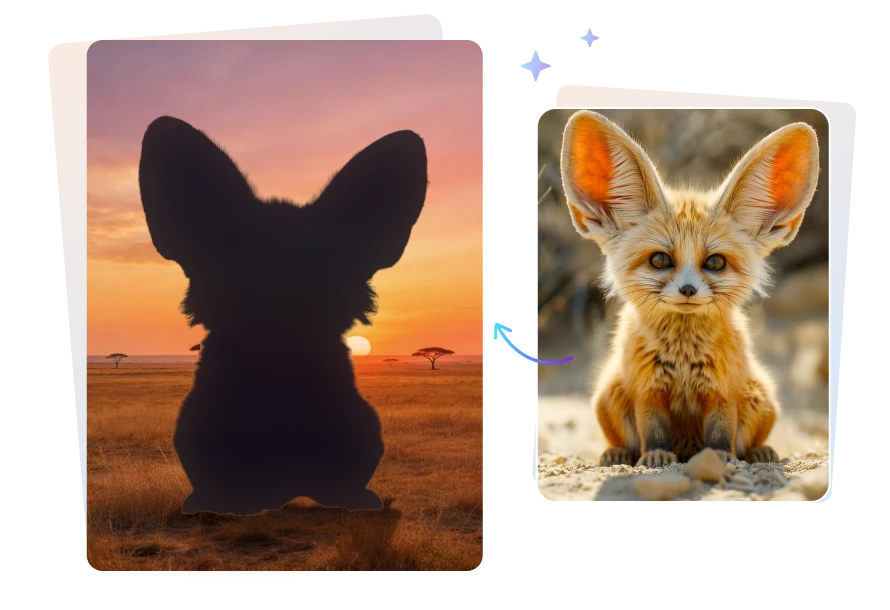
AVCLabs silhouette maker online free preserves an animal's posture and fine fur details, ensuring the silhouette stays true to the original image. A moving windmill that leaves a trail of afterimages will not become a smooth black blob. Instead, there is a clear difference between the actual windmill and its afterimage, with the object in the generated image closely resembling the original.
This animal silhouette maker understands that animal fur is dynamic. As animals run and jump, their fur changes color. It easily distinguishes which parts need to be preserved and which are stray layers. AVCLabs can achieve different fur colors on light and dark sides, and different fur conditions on the front and hind legs facing the wind.
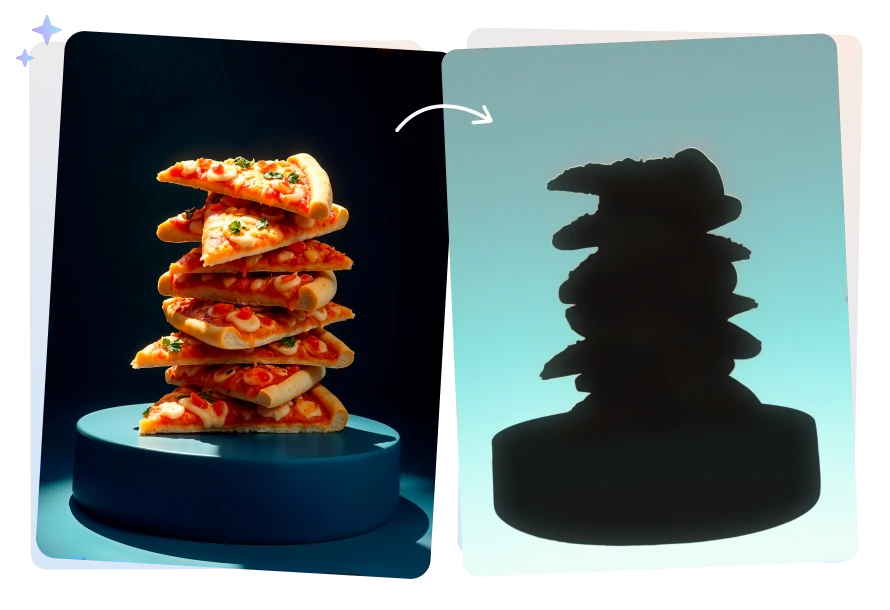
AVCLabs object silhouette maker can easily create product silhouettes of various materials with high quality, emphasizing no change and preserving the product's design. It is suitable for merchandise, props, daily necessities, logos, and more.
It accurately handles transparent products, preventing silhouettes from swallowing product highlights or losing delicate structures. Even when a white product is placed against a light background, it precisely detects physical edges and generates a clean, natural silhouette with consistent detail. For openwork jewelry or handbags with handles, the internal cutouts and structural openings are carefully preserved.
Compared with purely technical, precision-focused silhouettes, AVCLabs free silhouette maker also creates artistic silhouettes with refined styling. It can subtly enhance contours or apply smoothing where needed. At the same time, like a professional designer, it understands how to turn an image into a silhouette, keeping raw and handcrafted details.
It's ideal for product models and interior design, even in professional projects. You can easily turn image into a silhouette in seconds online for free, achieving high-quality results without any manual editing.
I tried making a decal of my golden retriever's profile for a car sticker, and honestly, most free tools just turned his fur into a jagged blob. This AI actually kept the 'fluff' factor around his ears! It's not 100% perfect, but it's way better than spending an hour with the pen tool in Photoshop.

Needed a quick, clean silhouette of our coffee mugs for a minimalist menu design. AVCLabs AI free silhouette maker handled the handle perfectly, even getting that tricky negative-space hole right. It saved me a ton of time on product mockups.

Used this to create some high-contrast cutout overlays for my latest YouTube thumbnails. It's surprisingly good at separating my silhouette from a messy bedroom background. It did struggle a bit with my frizzy hair under studio lights, but for a free silhouette maker, the edges are incredibly smooth.

I'm a designer, and sometimes I just need a quick base to start a logo. I threw a photo of a vintage camera into AVCLabs, and it gave me a really clean, artistic outline. I actually prefer artistic style because the lines feel more hand-drawn and less like a robotic trace.

Super impressed! I used a picture of my kids playing to make some silhouettes for a shadow box gift. It captured their poses so well that you can actually tell who is who just by the outline. It's very plug-and-play.

Yes. You can easily create a silhouette without Photoshop by using AVCLabs Free Silhouette Maker. It uses AI technology to automatically generate high-quality silhouettes from almost any image. There's no need for manual editing or complex tools. Just upload your photo and let the AI handle the process.
To convert an image into a silhouette online for free, simply upload your photo to AVCLabs Free Silhouette Maker, then describe the key details the AI should focus on when creating the silhouette. You can then adjust the output resolution and size before clicking the “Generate” button.
The entire process works directly in your browser. The tool provides multiple free uses, and even after the initial free credits are used, you can earn additional free credits through various available methods.
For occasional silhouette projects, the free credits provided by AVCLabs Free Silhouette Maker are usually sufficient.
However, if you need higher-quality results — such as generating multiple silhouettes at once or exporting in higher resolutions like 2K — upgrading to a subscription plan is recommended for better performance and more advanced output options.
If you prefer a desktop solution, Any Video Converter offers a built-in AI Silhouette Maker. It provides a more stable environment with additional customization options.
You can generate up to 4 silhouette images at once, with output resolutions reaching up to 4K, making it ideal for professional or high-resolution design needs.
Free Download Free DownloadTo create a clean silhouette, first remove the background using AVCLabs online background remover.
After removing the background, upload the processed image into the AI image generator online tool to turn the image into a silhouette using AI. This two-step process ensures a cleaner and more accurate final result.
Instantly turns photos into realistic oil painting styles with rich brush strokes and natural textures.
Read MoreConvert images to Studio Ghibli style online for free with charming, dreamy anime effects.
Read MoreGenerate realistic baby faces from image online free in just a few clicks.
Read MoreEasily turn pet photos into stunning pet portrait online, including oil paintings, watercolor or cartoon styles.
Read MoreCreate viral video memes instantly with AVCLabs Free video meme generator online free.
Read MoreGenerate kissing videos from your crush, idol, or anime character free online.
Read MoreUse AVCLabs free AI girlfriend generator to customize your dream AI mate online.
Read MoreInstantly turn your photo to cartoon online free, or bring your ideas to life.
Read MoreRemove unwanted objects, people, or watermarks from videos with just one click.
Read More
Copyright 2026 AVCLabs Inc. All rights reserved