
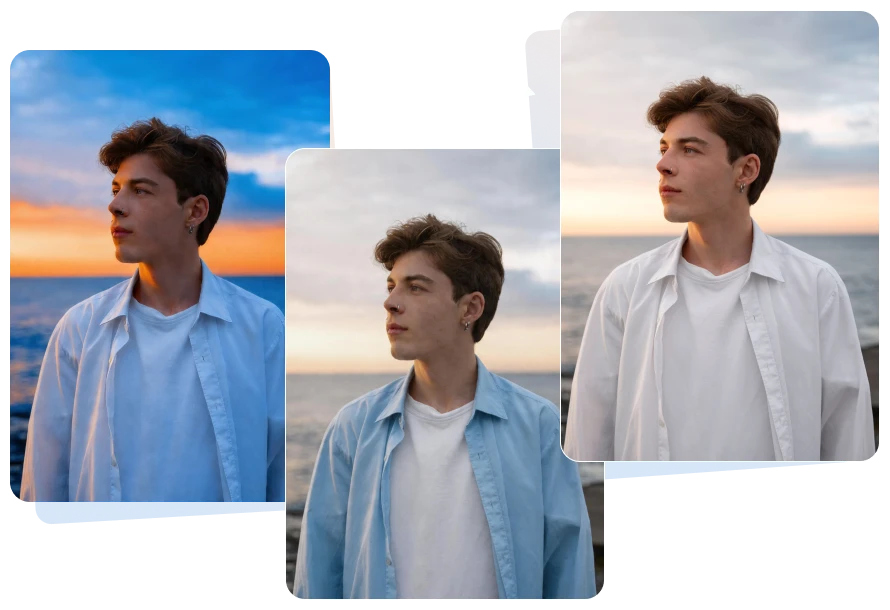
Upload the image you want to change the color of to AVCLabs online photo color changer.
Enter a command, such as recolor an image, colorize image, or replace color, to instruct the AI to change image color.
Select the desired image resolution and aspect ratio on the right side.
Click the Generate button and wait for the tool to complete the color change.
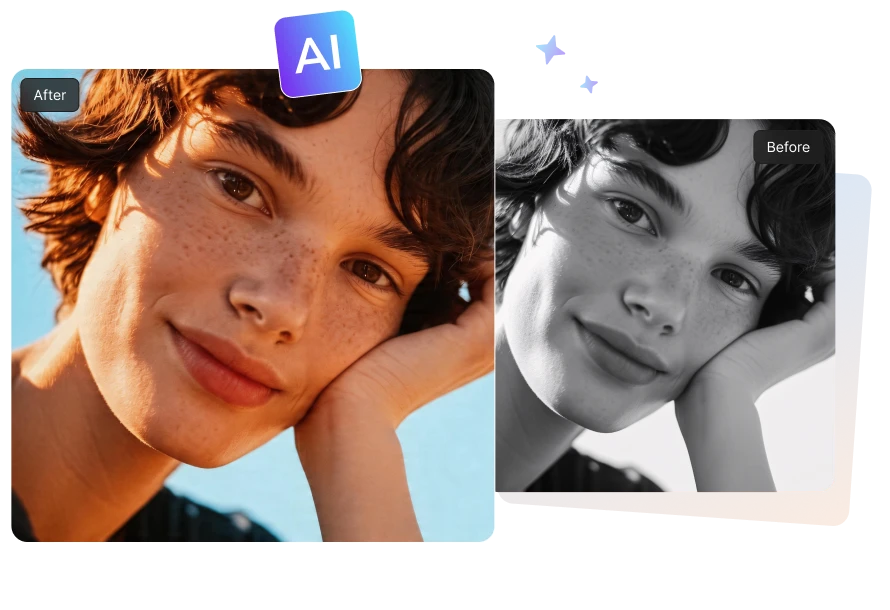
Bring black and white images to life with AVCLabs advanced AI color restoration technology. Whether you are reviving precious old family photos or enhancing historically images, you can change the color of an image from dull and faded to bright and fresh in seconds.
This online image recolorer can intelligently identify and analyze the elements in the picture, such as the skin color of people, the sky, buildings, etc., and then accurately colorize them. You can easily obtain a vivid and realistic colorization results without any manual paintings.
Just enter a simple command, such as changing the color of the flowers from red to yellow and AVCLabs Free Image Color Changer can precisely replace colors of the objects in the picture according to your description.
This method makes changing the color of an image incredibly easy and convenient. No manual selection is required, and you can adjust the colors freely while preserving every detail in the rest of the image.
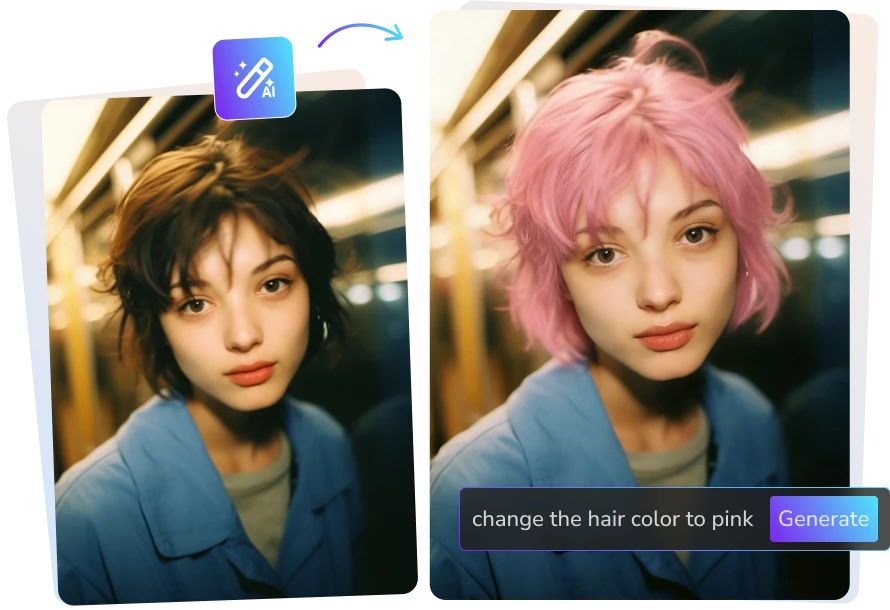
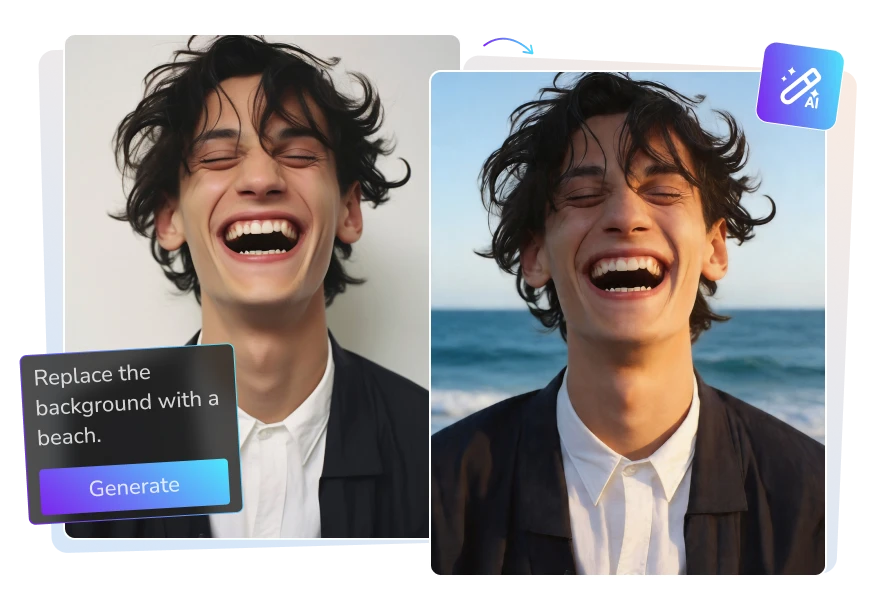
Say goodbye to the cumbersome manual image masking. With AVCLabs Free AI Photo Color Changer, you can effortlessly change the background color of an image to suit various scenarios simply by providing a brief description. Moreover, when you want to present a completely different visual style, it also allows you to replace the background with a brand new one at any time and ensure that the main subject or object remains unchanged and intact.

Whether you want to apply a retro look or change the color tone to a warm sunset style, this free AI image recolorer can achieve professional-level color grading effects based on your instructions.
Utilize the custom prompt feature of AI to change color of image, giving your visuals a completely new atmosphere. This gives you the flexibility to explore a wide range of creative styles—perfect for artistic expression, brand consistency, or social media.
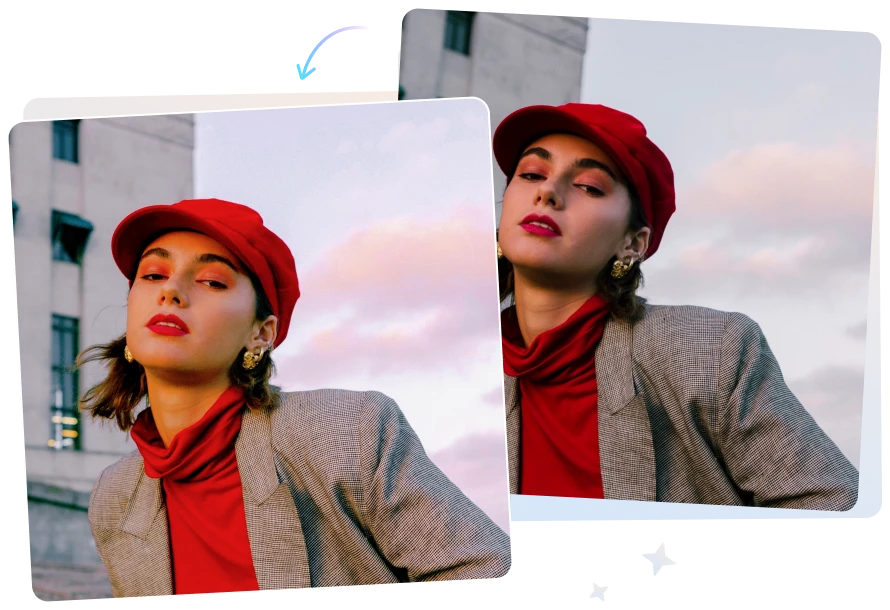
AVCLabs is much more than just a standard image color changer. It is more like an all-round AI photo editor. You can upload a reference photo and guide the AI with simple text instructions to generate an entirely new version of your image.

With this online image recolorer, I can freely change color of image as I wish. As a content creator, I particularly appreciate the space of free experimentation it offers me. Whether I want to try a completely new visual style or fine-tune the overall color tone of an existing image, it can perfectly respond to my creative instructions.

AVCLabs makes it incredibly easy to change color of image by simply describing what I want, instead of manually selecting and masking areas. Compared with the traditional editing method, it saves a great deal of time. This color replacement tool is undoubtedly the most recommended one.

The thing that I most appreciate about the AVCLabs free color image changer is that it integrates numerous functions into one. All you need to do is input the instructions to guide the AI to complete the color change. You can use it not only to colorize black-and-white photos, replace the color of specific objects, but also to add different filters to the photos.

Yes. AVCLabs offers a free trial that allows you to test the color-changing feature on three photos, with support for saving high-definition images free of watermarks.
You can use an AI-powered image color changer to change color of image - simply upload your photo and describe the edits you want to make, and the tool will automatically apply these changes.
If you want to directly colorize black-and-white images, you can choose AVCLabs online image colorizer which offers slider controls to render the images.
If you also want to further enhance or adjust the image beyond colorizing, you can use the image color changer for more flexible edits.
Yes, many image recolorer are capable of focusing on specific areas to make changes. For instance, AVCLabs allows users to use text prompts to recolor specific parts of an image while keeping the rest of the image unchanged.
AVCLabs online color replacer simplifies the process of changing the color of image elements through an intuitive interface. With just a simple instruction, you can precisely replace the color in the image - there is no need for any professional image editing skills at all.
Use AVCLabs free AI girlfriend generator to customize your dream AI mate online.
Read MoreUpscale, restore, denoise, remove, and colorize — all in one free, safe, and online photo editor powered by AI.
Read MoreFree turn your images or text prompts into stunning 1080p videos with Seedance AI.
Read MoreLosslessly zoom pictures up to 4x and get the perfect image enlargement effect.
Read MoreUse text prompt to create images or transform your image into new visuals or artwork.
Read MoreDetect subjects from any photo and make background transparent in a matter of seconds.
Read MoreAdd natural, lifelike colors to black and white photo, applying the most advanced AI image coloring algorithms.
Read MoreRemove different types of noise, aliasing, distortion, and more from images with ease.
Read MoreGenerate a funny mugshot photo with custom background, height chart, and placard in seconds.
Read More
Copyright 2026 AVCLabs Inc. All rights reserved