
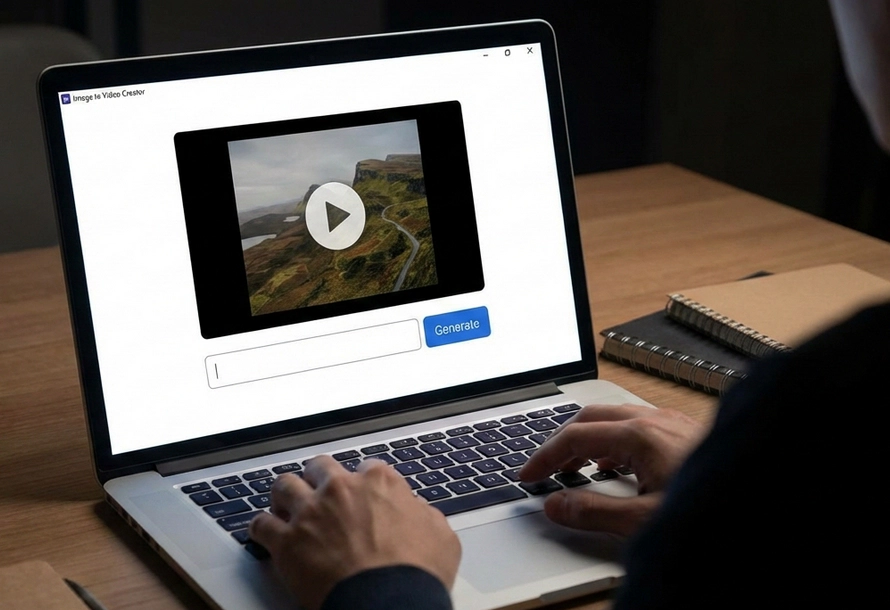
A more advanced solution for AI video generation, offering greater control and customization than the online generator.
Designed for rapid video generation.
Professional-grade controls for video creation.
Click the "Image" icon to import your source photo. Ensure the image is high-resolution for the best AI rendering results.
Describe the motion or atmosphere you want to achieve. Use descriptive keywords to guide the AI to animate image.
Choose your preferred aspect ratio, duration, and resolution settings to ensure the video fits your intended effect.
Click the "Generate" button to start converting image to video and save your high-quality video in MP4 format.

AVCLabs AI video generator from image online free allows you to generate video from image in browser without downloading or complicated settings, whether the image was created using the free AVCLabs AI Image Generator or an uploaded local photo.
Unlock the magic of AI video generation with Seedance AI. This free AI image to video generator can intelligently recognizes image content and animate image based on your input prompts, turning photos into captivating video scenes.
Say goodbye to blurry, low-resolution output and enjoy 1080p high-definition AI-generated video with AVCLabs AI video generator from image. Our advanced AI algorithms optimize every frame when converting images to video, ensuring clarity, smoothness, and visual consistency.
Whether it's product demonstrations, photographic works, or artistic creations, your AI video creations will be delivered in professional-grade quality. To achieve optimal video quality, please use high-resolution images when creating video from photos.
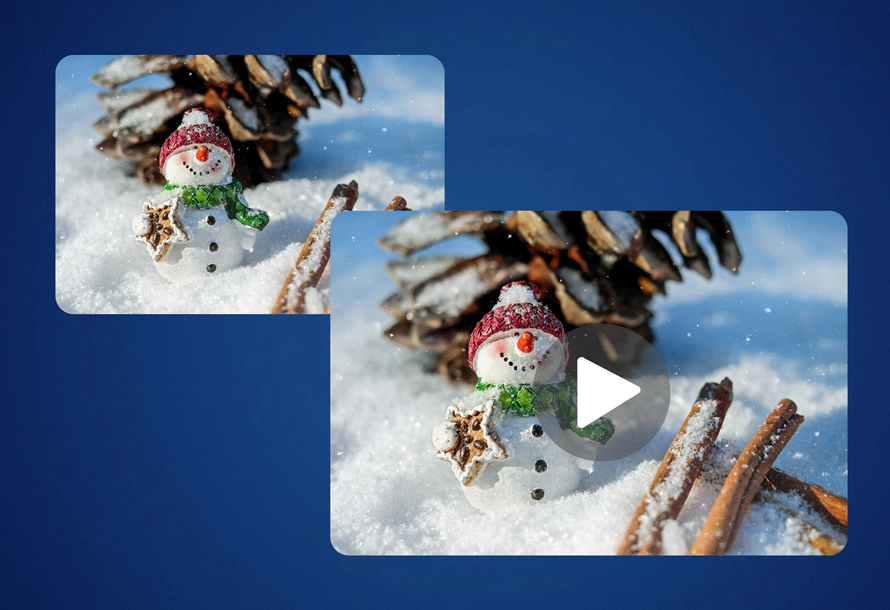
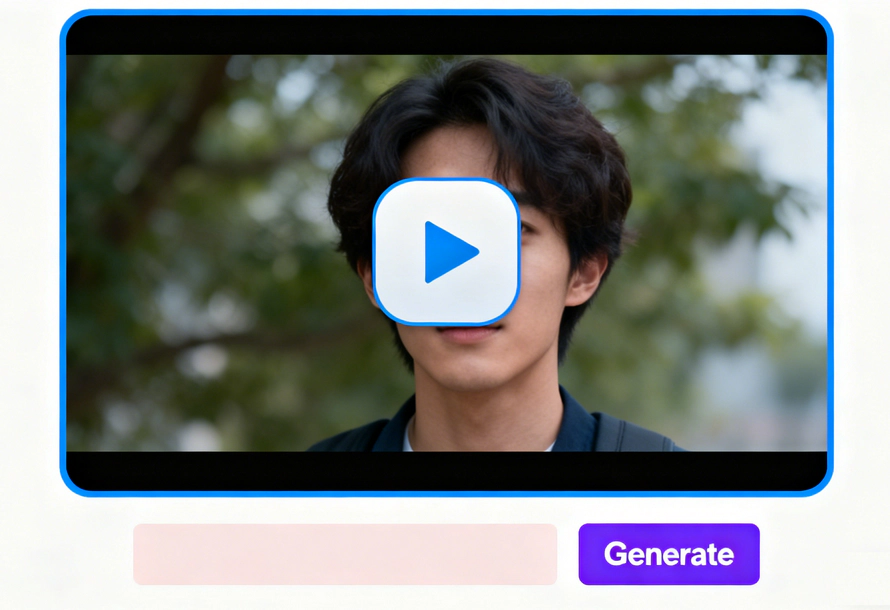
This AI image to video generator is designed for speed and convenience, turning your photos into engaging video stories with less waiting time, perfect for social media posts, stories, or rapid creative projects.
Its intuitive interface streamlines the AI video generation process. Simply upload image and describe idea and style, and AI automatically completes the image to video process, helping you easily create stunning video and significantly reducing the time and effort required for traditional video production.

AVCLabs AI video generator from image is not only suitable for personal creativity but also meets the diverse needs of business and social media scenarios. You can animate cherished vintage photographs to relive heartwarming memories, or transform static e-commerce product images into visually impactful video ads for marketing and promotion.
Turn photos into eye-catching videos for platforms like YouTube, Instagram, or TikTok - helping your visual content stand out wherever you share it.
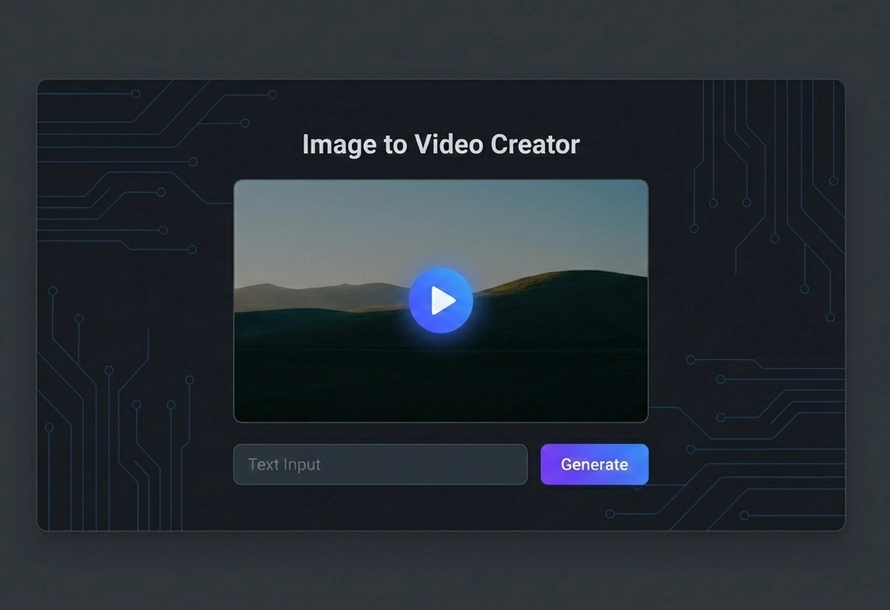
I think this AI video generator from image free online is quite good at understanding prompts. Every time I enter a description, it grasps the key points and presents the effect I want, and the generated video matches my concept very well. I feel it truly helps me quickly transform my ideas into video, saving me a lot of trouble with manual editing.

I was surprised that a image could generate such a natural animation effect . I tried uploading a photo from my travels, entered some simple text descriptions, and in less than a minute, a 1080P short video appeared. The video is quite smooth and doesn't look like a clunky, spliced video.

I've been looking for a tool to quickly generate creative content! This AI video generator from Image has become my inspiration booster, and it's free and watermark-free. Sometimes I just upload a random image and it turns into a short video. I can post it straight to Instagram Reels or TikTok without any extra editing.

I initially thought this AI image to video generator would be complicated, but it's much simpler to use than I expected. Upload product images, landscape photos, or illustrations, add some prompts, and you can generate videos—it's applicable to a wide range of scenarios.

An image to video generator is an AI-powered tool that turn photos into video clips. It uses algorithms to animate image and create smooth motion based on your input prompts.
Simply upload your photos to AVCLabs AI video generator from image free online, enter description or prompt, and click Generate button. You’ll get a 1080p video in seconds without watermark.
While AVCLabs AI video generator no limits have a maximum file size for uploads, there are no restrictions on the creative styles or the specific video scenarios you wish to create.
Uploaded images and generated videos are processed securely and are not stored long-term. And you can delete AI generated videos at any time.
AVCLabs is ideal for high-definition 1080p output and a user-friendly workflow. It excels in its seamless integration of image generation and video generation. Users can directly use generated images for video creation on the same platform. Furthermore, AVCLabs provides other online tools such as object removal , background removal , and video enhancement .
Yes, videos generated by AVCLabs AI video generator can generally be used for both personal and commercial projects.
Convert your ideas or photo into anime style image for free in seconds.
Read MoreGenerate, remove, and replace any background and create high-resolution results instantly.
Read MoreGenerate a funny mugshot photo with custom background, height chart, and placard in seconds.
Read MoreEffortlessly use text prompt to create images or transform your image into new visuals or artwork.
Read MoreFree remove grain and noise from your videos to instantly enhance their quality.
Read MoreEffortlessly remove unwanted objects from video online free in just a few clicks.
Read MoreStabilize shaky footage in seconds to create smooth, professional-quality videos.
Read MoreEasily unblur images free, utilizing cutting-edge AI technology to enhance the clarity of your photos.
Read MoreDiscover the power of vibrant transformation with this online photo colorizer.
Read More
Copyright 2026 AVCLabs Inc. All rights reserved

Offer ends in: 24 Hours