
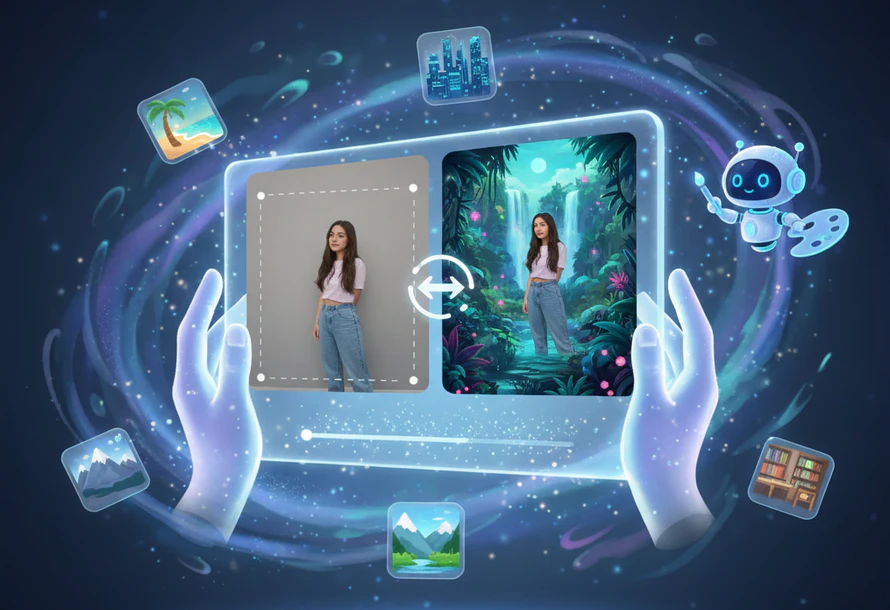
Any Video Converter enables fast, precise, and high-quality AI image generation from text prompts or from photos with reliable desktop-level performance.
Designed for editing on the go, with instant results and easy sharing.
Designed for advanced AI generation, smooth performance, and deeper creative control.
Click Upload to select and import your photos from your local drive or gallery.
Enter AI background generator prompt accrording to your imagination.
Choose the specific feature you want to apply. Set 1080P as output resolution.
Preview and download your AI-generated background images directly.
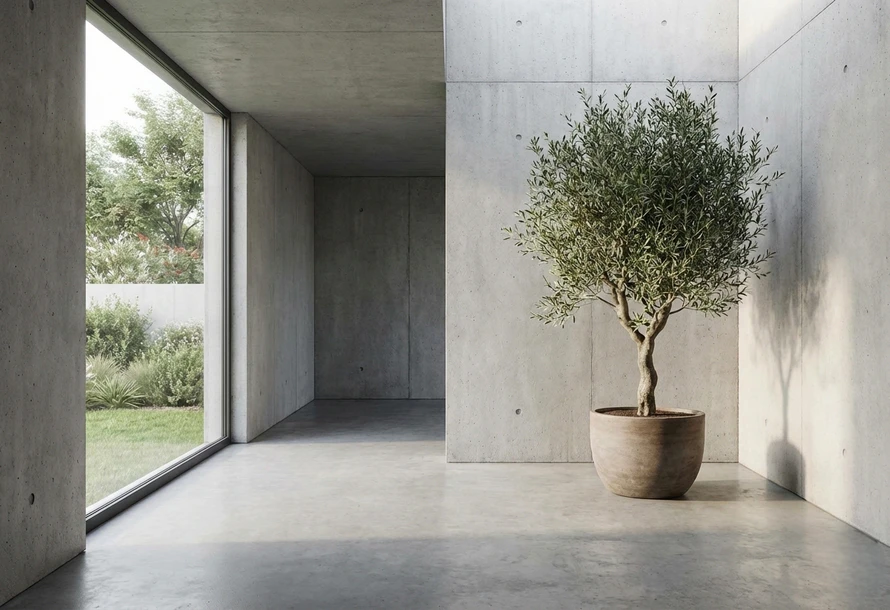
One photo can create endless background possibilities. With AVCLabs AI Background Generator, you can generate image background from any photo and words online and turn it into a high-quality image with different styles or scenes.
AVCLabs AI photo background generator smartly analyzes the main subject and space in the image, then creates an AI generated background that blends naturally without damaging original details. You no longer need to learn Photoshop masking to change backgrounds. AVCLabs can read and fully understand any idea you have.
Replace backgrounds in one click without manual editing. AVCLabs AI Background Generator Free changes and replaces photo background smoothly and quickly. You can get a clean AI generated background without waiting.
With natural lighting, balanced colors, and smooth blending between the subject and background, AVCLabs background generator AI delivers clean, seamless background replacement every time. This AI photo background generator is especially useful for ID photo background color changes, remote meeting backgrounds, and everyday sharing.

If you need to quickly clean up the background of product sample images, AVCLabs AI Background Generator is the right choice. It helps you save time while keeping your images clean, professional, and ready to use.
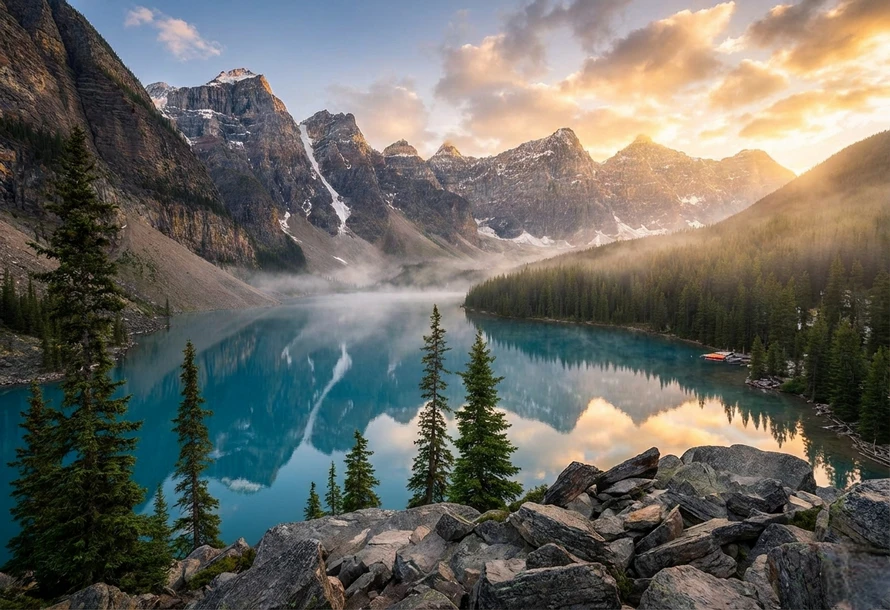
As a reliable free AI background generator, you can even use it to flexibly clear clutter, unify the color scheme, and replace image background. Whether it's a minor or major edit, you'll get satisfactory results. For example, we can change the background to a green lawn or remove a vase from the corner of the original image.
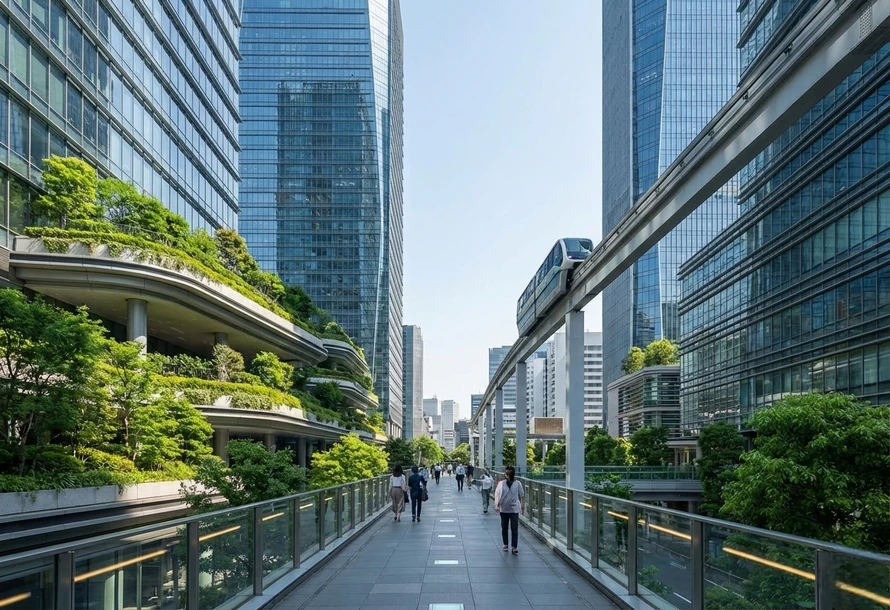
No need for complex steps or professional skills. AVCLabs AI Background Generator Free includes many popular background styles. Whether you need realistic studio photos, artistic scenes, or bustling city backgrounds, AVCLabs free AI background generator can handle it.
It's like having an expert friend to guide you; whatever style you want, you can achieve it with a simple click. Creating posters and posting updates is a breeze, no worries at all.
I use background generator AI to clean up product photos for my online store. The background replacement looks natural, and I don't need to spend time doing manual edits anymore. It's a practical solution for everyday work.

I often need clean images for presentations and profile photos. AVCLabs photo background generator online free makes it easy to replace backgrounds quickly, and the results look professional without extra effort.

What I like most is how fast the process is. I can generate and replace backgrounds in seconds, which helps a lot when posting regularly. The image quality stays sharp even after editing.

I tried several tools before, but AVCLabs felt more stable. It removes and replaces backgrounds accurately, even around edges like hair, and gives high-resolution results without complicated steps.

As someone still learning design, this AI background generator is easy to use. I can create AI-generated backgrounds for different ideas without needing Photoshop skills, which makes practicing much more accessible.

If you need fast and clean results, AVCLabs is a solid choice. As an AI background generator free, it focuses on high-quality output without complicated steps. You can create clear images with realistic details in just a few seconds.
The easiest way is to use an AI photo background generator that automatically detects the subject. It separates the background accurately and replaces it with a new one that looks natural. You don't need manual masking or editing experience. The final AI generated background blends smoothly with the subject.
Many tools can do this, but a reliable background generator AI saves the most time. AVCLabs PhotoPro AI allows you to input image to change backgrounds with text prompt. The process is simple and works well even with complex edges like hair. It's designed for everyday users, not just professionals.
Free Download Free DownloadYes, some platforms offer built-in background creation tools instead of downloads. AVCLabs free AI background generator lets you generate custom backgrounds directly from your photos. This gives you more control than using stock images. You can match the background to your subject easily.
The best tools focus on both accuracy and speed. AVCLabs Photo Enhancer AI can batch edit images and also allows for customized workflows, such as enhancing portraits first and then removing the background.
Generate kissing videos from your crush, idol, or anime character free online.
Read MoreRaise video quality to 4K free with AVCLabs 4K video enhancer online free.
Read MoreGenerate realistic baby faces from image online free in just a few clicks.
Read MoreFree turn photos into engaging videos with AVCLabs AI Video Generator from image.
Read MoreEffortlessly use text prompt to create images or transform your image into new visuals or artwork.
Read MoreEffortlessly convert image to 4K resolution and upgrade every detail with just one click.
Read MoreFree remove grain and noise from your videos to instantly enhance their quality.
Read MoreOnline remove glasses glare, light glare, flash glare, and reflection from photos.
Read MoreStabilize shaky footage in seconds to create smooth, professional-quality videos.
Read More
Copyright 2026 AVCLabs Inc. All rights reserved

Offer ends in: 24 Hours